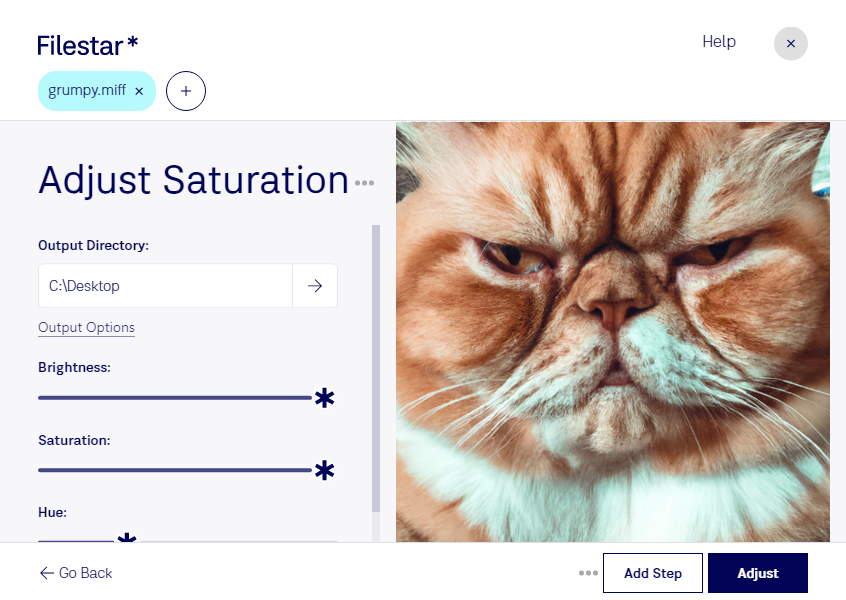
“Use Filestar to adjust MIFF saturation in my Downloads folder”
Or run it yourself:
filestarcli -i photo.miff -c "adjust saturation"
Runs on your computer, so your files stay on it. Works on Windows, macOS and Linux. 50 free conversions with the npm install, no account needed.
Can my AI agent adjust MIFF saturation?
Yes. Install the Filestar CLI with npm install -g filestar and your agent can run filestarcli -i photo.miff -c "adjust saturation" on your computer, so your files stay on it.
The MIFF (Magick Image File Format) is a versatile image format used primarily by ImageMagick, a software suite for creating, editing, converting, and displaying bitmap images. It is designed to store bitmap images with a high degree of flexibility, supporting various depths and color spaces, including transparency and multiple layers. MIFF files are often used for temporary storage during image processing tasks, as they can efficiently preserve the full quality and attributes of images.