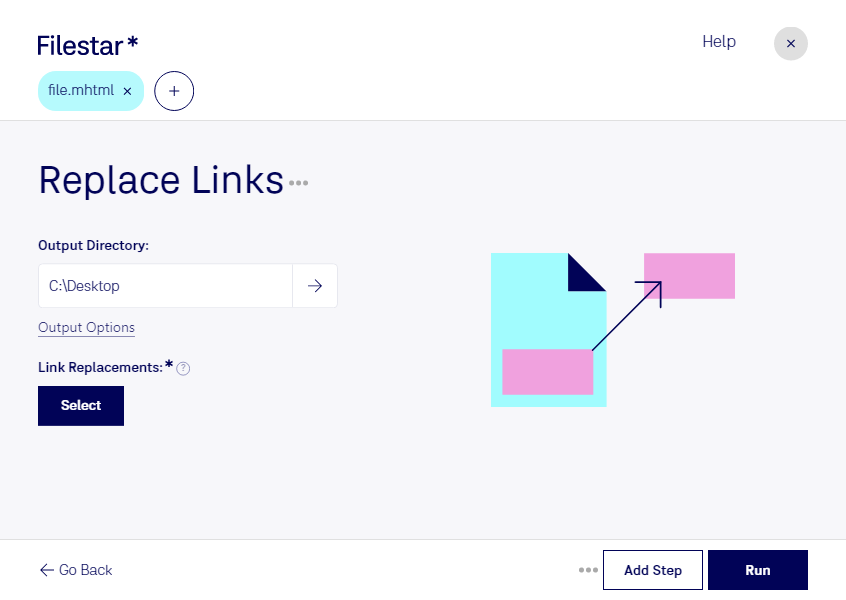
“Use Filestar to replace MHTML links in my Downloads folder”
Or run it yourself:
filestarcli -i file.mhtml -c "replace links"
Runs on your computer, so your files stay on it. Works on Windows, macOS and Linux. 50 free conversions with the npm install, no account needed.
Can my AI agent replace MHTML links?
Yes. Install the Filestar CLI with npm install -g filestar and your agent can run filestarcli -i file.mhtml -c "replace links" on your computer, so your files stay on it.
MHTML, short for MIME HTML, is a file format that archives web pages. The format combines HTML code, images, JavaScript, and other resources into a single file using MIME type multipart/related. This method of encapsulating a complete webpage (or set of webpages) in a single file makes MHTML files convenient for saving, sharing, and viewing web content offline. MHTML files typically have the extension .mhtml or .mht and can be opened by various web browsers.