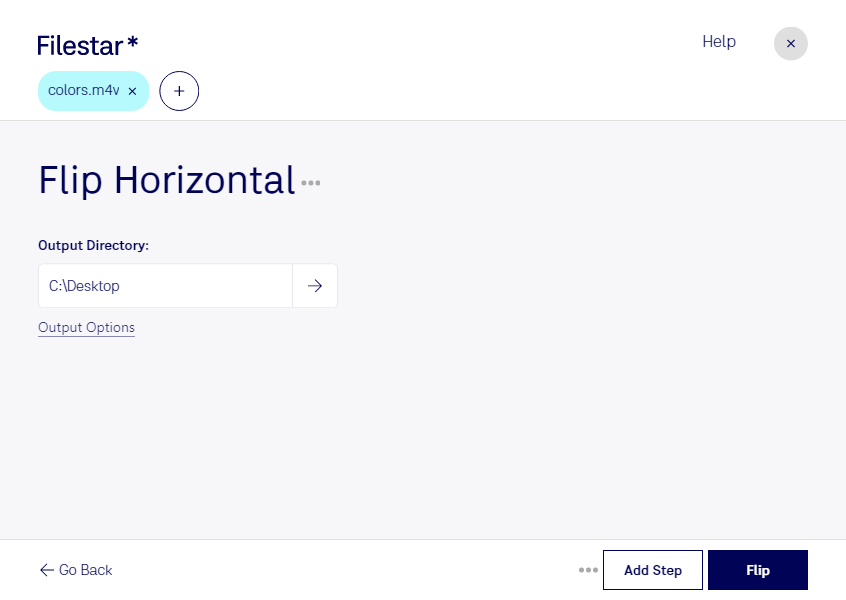
“Use Filestar to flip M4V horizontal in my Downloads folder”
Or run it yourself:
filestarcli -i file.m4v -c "flip horizontal"
Runs on your computer, so your files stay on it. Works on Windows, macOS and Linux. 50 free conversions with the npm install, no account needed.
Can my AI agent flip M4V horizontal?
Yes. Install the Filestar CLI with npm install -g filestar and your agent can run filestarcli -i file.m4v -c "flip horizontal" on your computer, so your files stay on it.
The M4V file format is a video container format developed by Apple and is very similar to the MP4 format, with the primary difference being the optional Apple Digital Rights Management (DRM) protection. M4V files are commonly used for TV episodes, movies, and music videos in the iTunes Store. These files can be played on Apple devices such as iPhones, iPads, and iPods, as well as on PCs using iTunes or other compatible media players.