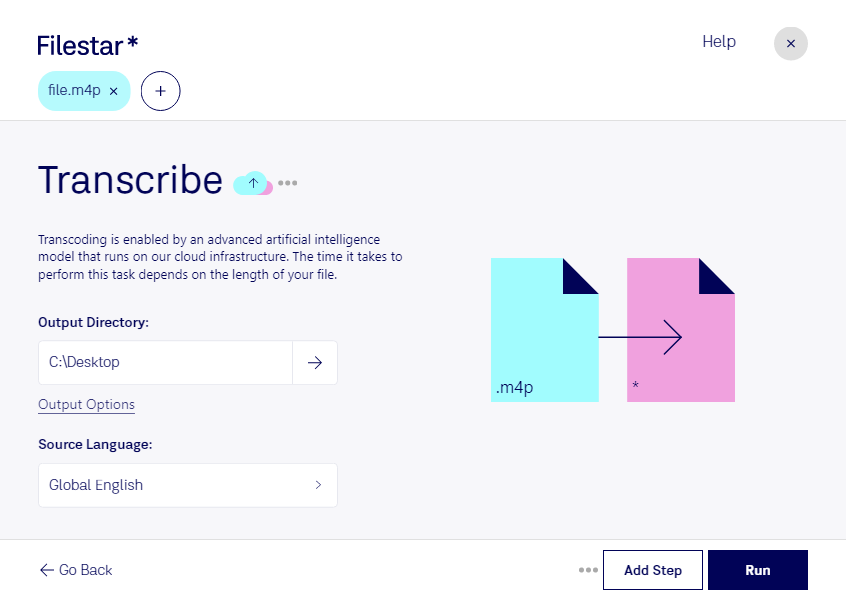
“Use Filestar to transcribe M4P in my Downloads folder”
Or run it yourself:
filestarcli -i file.m4p -c "transcribe"
Runs on your computer, so your files stay on it. Works on Windows, macOS and Linux. 50 free conversions with the npm install, no account needed.
Can my AI agent transcribe M4P?
Yes. Install the Filestar CLI with npm install -g filestar and your agent can run filestarcli -i file.m4p -c "transcribe" on your computer, so your files stay on it.
M4P is an audio file format used by the iTunes Music Store. It is a protected file format that uses Digital Rights Management (DRM) encryption to protect the audio from being illegally copied. It is one of the most popular audio formats on the iTunes Music Store and can be used to play music on Apple devices such as iPhones, iPads, and Mac computers.