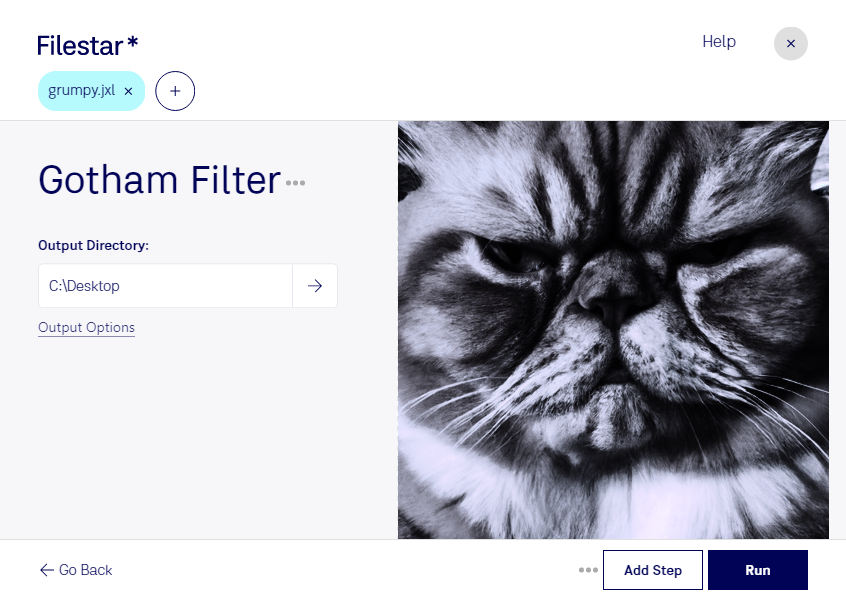
“Use Filestar to gotham JXL filter in my Downloads folder”
Or run it yourself:
filestarcli -i photo.jxl -c "gotham filter"
Runs on your computer, so your files stay on it. Works on Windows, macOS and Linux. 50 free conversions with the npm install, no account needed.
Can my AI agent gotham JXL filter?
Yes. Install the Filestar CLI with npm install -g filestar and your agent can run filestarcli -i photo.jxl -c "gotham filter" on your computer, so your files stay on it.
A JPEG XL file is an image saved in a compressed graphic format currently under development by the Joint Photographic Experts Group (JPEG). It supports wide color gamut and HDR (High Dynamic Range), alpha channels and animation frames while providing visually lossless compression. Images can be converted back and forth between JPEG XL and JPEG without loss of quality. Converting a regular JPEG to JPEG XL reduces the file size by 22%. JPEG XL files can be used to store any type of image content.