Transform Your Stereo JPEG Images with Tilt-Shift JPS Filter
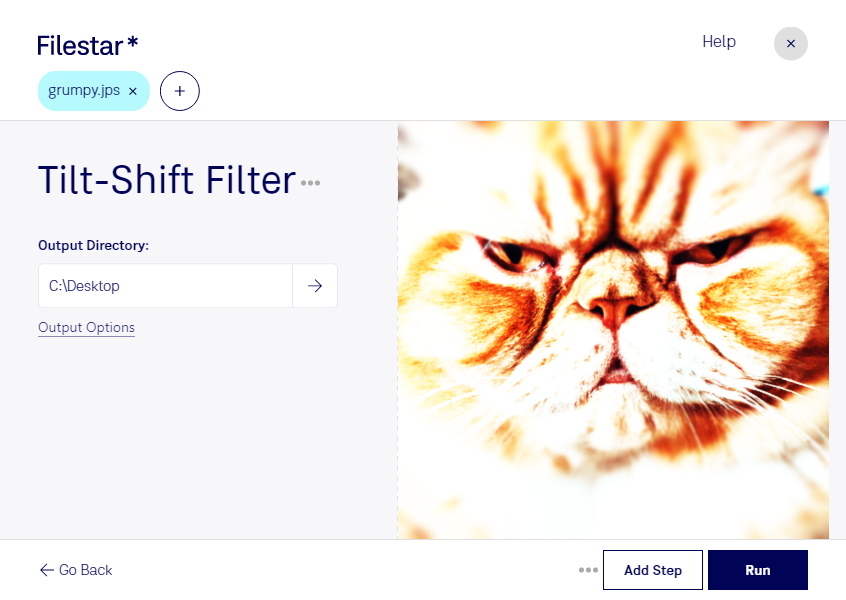
Tilt-Shift JPS Filter is a powerful tool that allows photographers and designers to transform their Stereo JPEG Images into stunning works of art. With Filestar's Tilt-Shift JPS Filter, you can easily adjust the focus of your images, creating a miniature effect that makes your photos look like they were taken with a tilt-shift lens.
Filestar's Tilt-Shift JPS Filter is designed to be fast and efficient, allowing you to perform bulk operations on your Stereo JPEG Images. Whether you need to convert a large number of files or apply the same effect to multiple images, Tilt-Shift JPS Filter makes it easy to get the job done quickly.
Filestar runs on both Windows and OSX, so no matter what platform you're using, you can take advantage of Tilt-Shift JPS Filter's powerful features. And because everything is processed locally on your computer, you can trust that your files are safe and secure.
Professional photographers and designers will appreciate the flexibility and control that Tilt-Shift JPS Filter provides. With the ability to adjust the focus of your images, you can create unique and eye-catching photos that stand out from the crowd. Whether you're working on a professional project or just want to add some creativity to your personal photos, Tilt-Shift JPS Filter is the perfect tool for the job.
In conclusion, if you're looking for a powerful and efficient way to transform your Stereo JPEG Images, Tilt-Shift JPS Filter is the perfect solution. With Filestar's batch processing capabilities, you can quickly and easily apply the tilt-shift effect to multiple images, saving you time and effort. And because everything is processed locally on your computer, you can trust that your files are safe and secure. Try Tilt-Shift JPS Filter today and see the difference it can make!