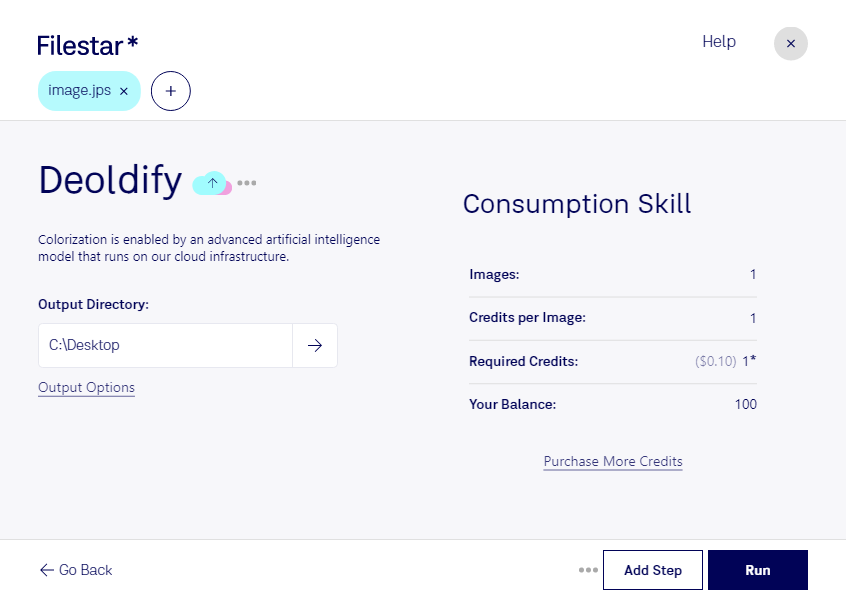
Deoldify JPS is the perfect solution for professionals looking to convert and enhance their stereo JPEG images. Whether you are a photographer, graphic designer, or work in the film industry, Deoldify JPS allows for bulk operations and runs on both Windows and OSX.
One of the main benefits of using Deoldify JPS is the ability to process your files locally on your computer. This ensures that your data is safe and secure, as you are not relying on cloud-based processing. Additionally, the software allows for batch conversion, saving you time and effort.
With Deoldify JPS, you can easily convert your stereo JPEG images to a higher quality and more vibrant version. The software's unique algorithms enhance the colors and details of your images, making them look fresh and modern. This is especially useful for professionals working with vintage or old images that need to be updated.
Deoldify JPS is also very user-friendly, with a simple and intuitive interface that makes it easy to use. You don't need any technical skills or knowledge to operate the software, making it accessible to everyone.
In conclusion, Deoldify JPS is a powerful and reliable file conversion software that is ideal for professionals in various industries. With its ability to process files locally on your computer, you can be sure that your data is safe and secure. Try Deoldify JPS today and see the difference it can make to your stereo JPEG images.