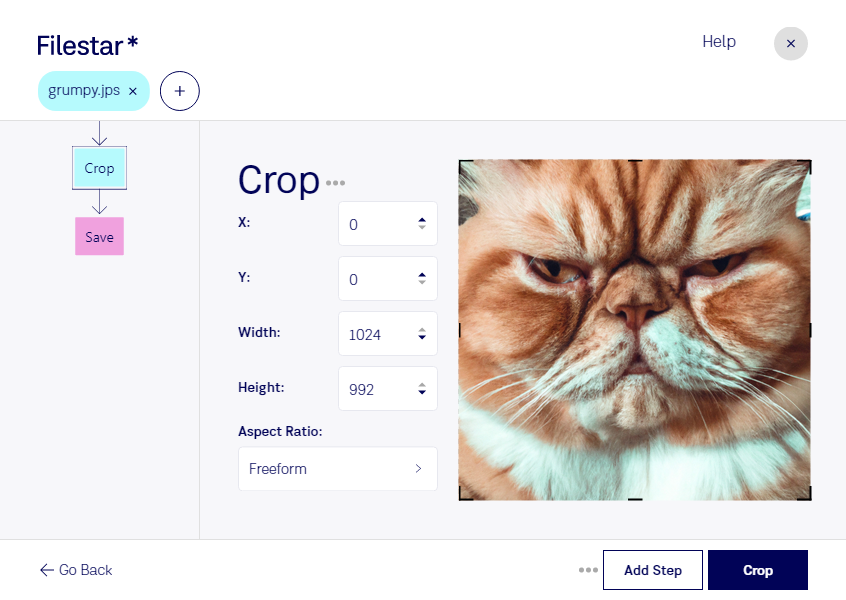
Crop JPS with Filestar - Convert and Process Stereo JPEG Images
Crop JPS with Filestar's versatile file conversion and processing software. Our software allows you to easily crop and process your Stereo JPEG Images in bulk, saving you time and effort. Whether you're a professional photographer or a graphic designer, our Crop JPS feature has got you covered.
With Filestar, you can convert and process your files locally on both Windows and OSX. This means that you don't have to worry about your files being processed in the cloud, where they could potentially be accessed by unauthorized third parties. Our software ensures that your files are secure and that your privacy is protected.
Crop JPS is especially useful for professionals who work with 3D images and need to crop them for various purposes. For example, architects can use Crop JPS to crop 3D images of buildings to highlight specific features or to create presentations. Similarly, game developers can use Crop JPS to crop 3D images of characters or objects for use in their games.
In addition to Crop JPS, Filestar offers a wide range of other conversion and processing features, including image resizing, file compression, and PDF conversion. Our software is designed to make your life easier and to help you work more efficiently.
So why wait? Try Filestar's Crop JPS feature today and see how easy it is to crop and process your Stereo JPEG Images. With our software, you can convert and process your files locally on your computer, ensuring that your files are safe and secure. Get in touch with us to learn more about our software and how it can help you.