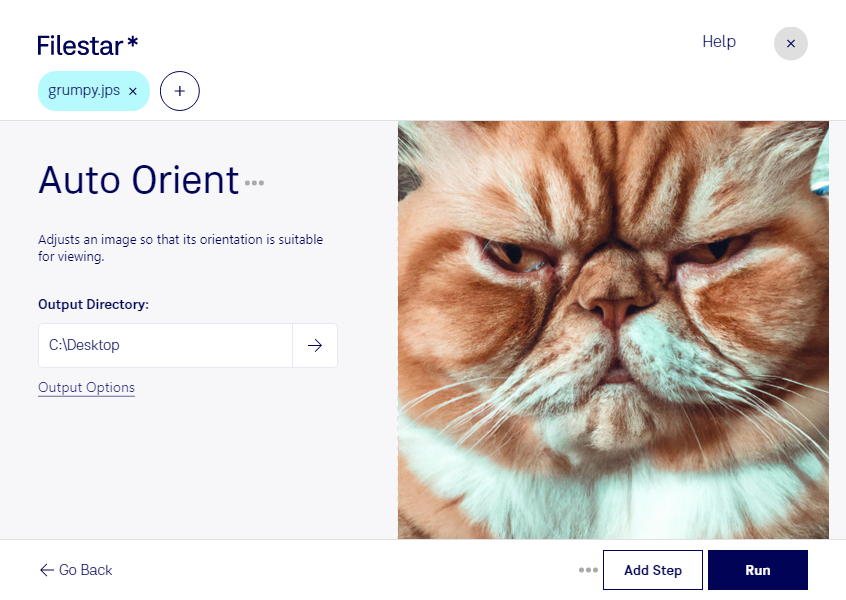
Auto jps orient

  1. Download and install the latest version of Filestar.

  2. Right click on one or more Jps file(s) on your desktop and select Convert with Filestar.

  3. Type auto orient in the search box.

  4. Press Run.

Or let an AI agent do it: filestarcli -i photo.jps -c "auto orient" (how).

auto jps orient

Let your AI agent auto JPS orient

Claude Code, Codex, Cursor and other agents can do this on your computer with Filestar. Your files stay on your machine.

Install Filestar and add it to your agents:

npm install -g filestar
filestarcli agent install

Then ask your agent:

“Use Filestar to auto JPS orient in my Downloads folder”

Or run it yourself:

filestarcli -i photo.jps -c "auto orient"

Runs on your computer, so your files stay on it. Works on Windows, macOS and Linux. 50 free conversions with the npm install, no account needed.

Can my AI agent auto JPS orient?

Yes. Install the Filestar CLI with npm install -g filestar and your agent can run filestarcli -i photo.jps -c "auto orient" on your computer, so your files stay on it.

Using Filestar With AI Agents · Download SKILL.md

What is .jps?

Extension
.jps
Format
Binary
Category
Raster Image
Developer
NemySoft
Description
A JPS file stores two images taken from different angles. It is used to make a 3D effect from 2D images.
MIME Type
image/jps

Auto Jps Orient Today

Get started within minutes

Auto JPS Orient is a powerful software tool that allows you to convert and process your Stereo JPEG Images in bulk. With this software, you can easily convert your files to different formats, resize them, and perform other operations quickly and efficiently.

One of the great things about Auto JPS Orient is that it runs on both Windows and OSX, making it a versatile tool that can be used by professionals in a wide range of industries. For example, photographers can use it to convert their Stereo JPEG Images into other formats for use in different applications, while graphic designers can use it to resize and optimize images for web use.

One of the key advantages of using Auto JPS Orient is that all the processing and conversion happens locally on your computer, rather than in the cloud. This means that your files are more secure and less likely to be compromised by hackers or other security threats.

In summary, if you're looking for a reliable and efficient way to convert and process your Stereo JPEG Images, Auto JPS Orient is the perfect tool for the job. Try it out today and see the difference it can make in your workflow!