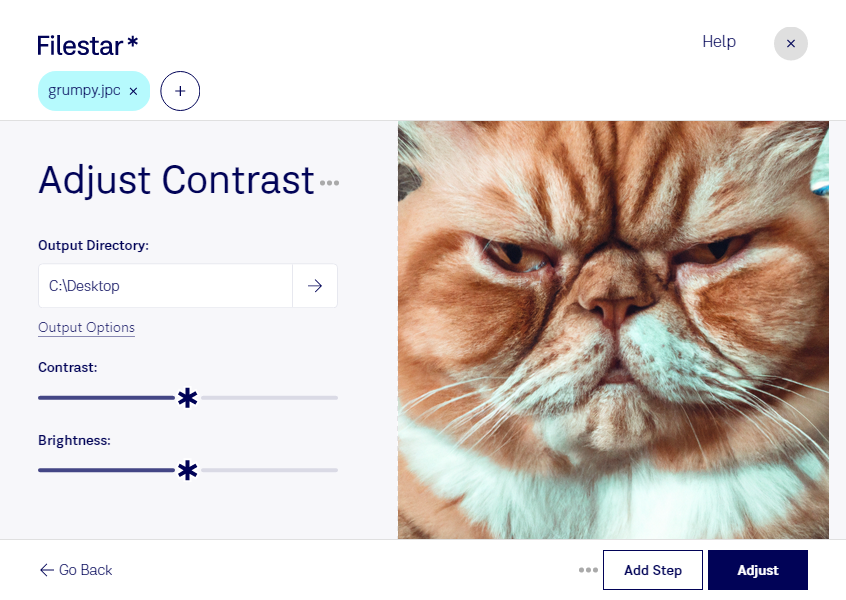
“Use Filestar to adjust JPC contrast in my Downloads folder”
Or run it yourself:
filestarcli -i photo.jpc -c "adjust contrast"
Runs on your computer, so your files stay on it. Works on Windows, macOS and Linux. 50 free conversions with the npm install, no account needed.
Can my AI agent adjust JPC contrast?
Yes. Install the Filestar CLI with npm install -g filestar and your agent can run filestarcli -i photo.jpc -c "adjust contrast" on your computer, so your files stay on it.
Image format that uses JPEG 2000 advanced wavelet compression; supports color depths of 8, 24, and 32 bits per pixel; also supports grayscale, RGB, YCbCr, XYZ, and Lab color spaces.