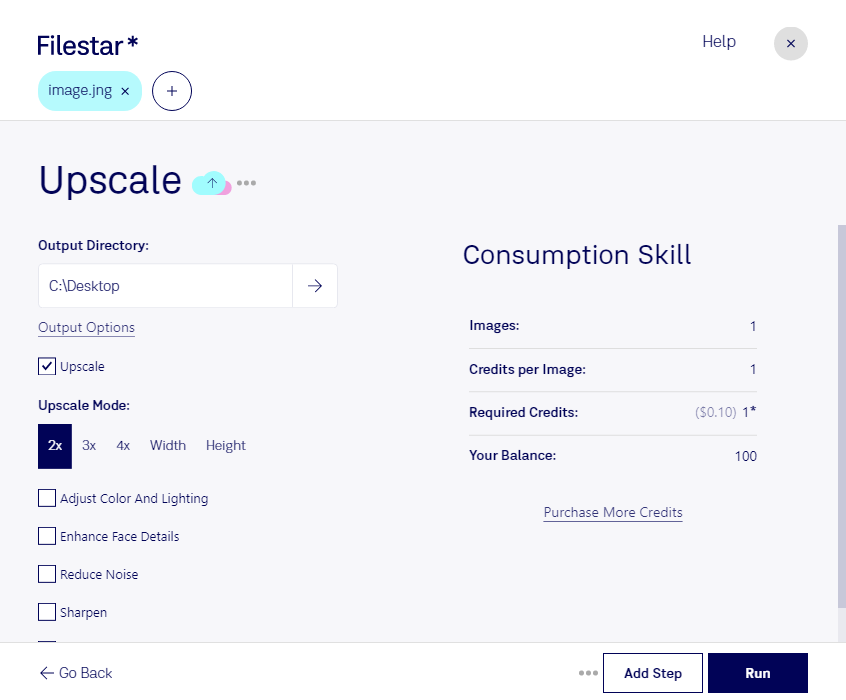
Are you tired of low-quality raster images? With Filestar's upscale JNG feature, you can convert and process your images to a higher resolution, resulting in a more professional and polished look.
Filestar's bulk/batch conversion/operations feature allows you to convert multiple files at once, saving you time and effort. Plus, since Filestar runs on both Windows and OSX, you can use it no matter what operating system you prefer.
Upscale JNG is especially useful for professionals in graphic design, photography, and other industries where high-quality images are a must. Imagine being able to take a low-quality image and turn it into a masterpiece with just a few clicks. With Filestar, it's possible.
And because Filestar converts and processes locally on your computer, you can rest assured that your files are safe and secure. No need to worry about uploading your sensitive images to the cloud and risking a security breach.
Upgrade your raster images today with Filestar's upscale JNG feature. Get in touch to learn more about how Filestar can help you elevate your work to the next level.