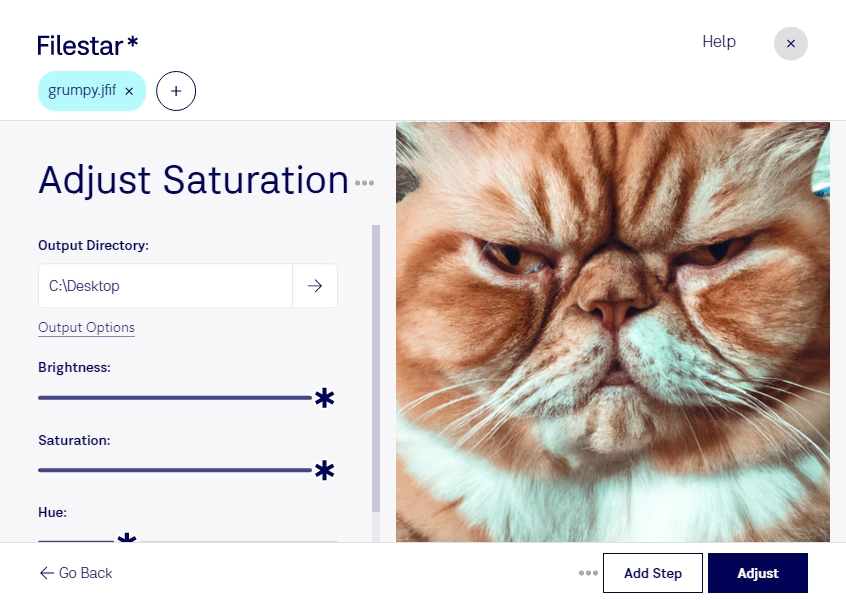
“Use Filestar to adjust JFIF saturation in my Downloads folder”
Or run it yourself:
filestarcli -i photo.jfif -c "adjust saturation"
Runs on your computer, so your files stay on it. Works on Windows, macOS and Linux. 50 free conversions with the npm install, no account needed.
Can my AI agent adjust JFIF saturation?
Yes. Install the Filestar CLI with npm install -g filestar and your agent can run filestarcli -i photo.jfif -c "adjust saturation" on your computer, so your files stay on it.
The JFIF (JPEG File Interchange Format) format makes it possible to transfer compressed JPEG files across computers. This graphical file format uses a marker to show various parameters not seen in the standard JPEG file — for instance, pixel size, pixel geometry, among others.