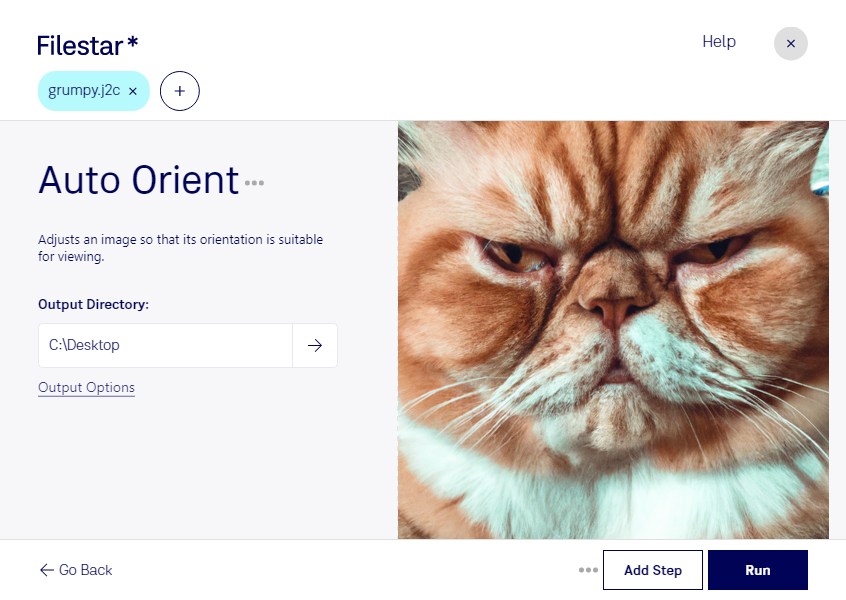
“Use Filestar to auto J2C orient in my Downloads folder”
Or run it yourself:
filestarcli -i photo.j2c -c "auto orient"
Runs on your computer, so your files stay on it. Works on Windows, macOS and Linux. 50 free conversions with the npm install, no account needed.
Can my AI agent auto J2C orient?
Yes. Install the Filestar CLI with npm install -g filestar and your agent can run filestarcli -i photo.j2c -c "auto orient" on your computer, so your files stay on it.
The JPEG 2000 Code Stream (j2c) file format is a type of image file format that is part of the JPEG 2000 family of image standards. This format is specifically designed for encoding images in a highly efficient manner, allowing for both lossless (exact reproduction) and lossy (approximate) compression. The j2c format focuses on the core coding stream of JPEG 2000 images, representing the encoded image data without additional metadata or structure.