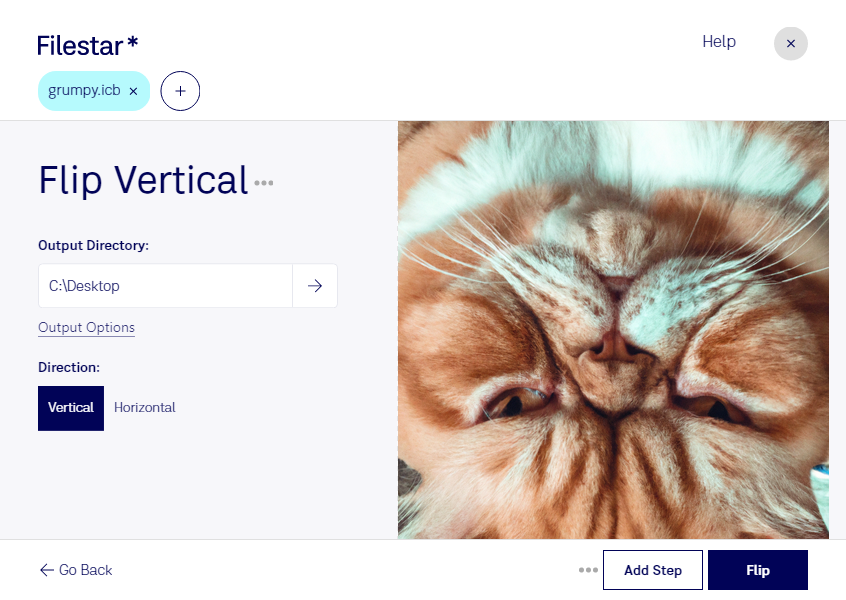
“Use Filestar to flip ICB vertical in my Downloads folder”
Or run it yourself:
filestarcli -i photo.icb -c "flip vertical"
Runs on your computer, so your files stay on it. Works on Windows, macOS and Linux. 50 free conversions with the npm install, no account needed.
Can my AI agent flip ICB vertical?
Yes. Install the Filestar CLI with npm install -g filestar and your agent can run filestarcli -i photo.icb -c "flip vertical" on your computer, so your files stay on it.
The ICB file format, standing for Targa ICB Bitmap Image, is a type of image file associated with the Targa (Truevision Advanced Raster Graphics Adapter) image format. Targa files, including ICB, are known for their versatility in handling various types of digital images, including color, grayscale, and monochrome. The ICB variant is part of a broader family of Targa formats, which are often used in professional environments for digital video editing, animation, and graphic design.