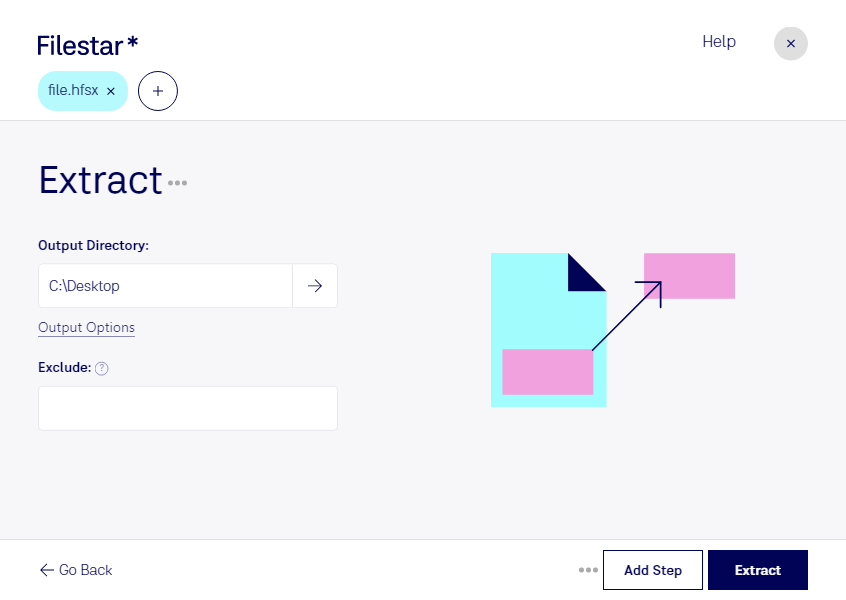
“Use Filestar to extract HFSX in my Downloads folder”
Or run it yourself:
filestarcli -i photo.hfsx -c "extract"
Runs on your computer, so your files stay on it. Works on Windows, macOS and Linux. 50 free conversions with the npm install, no account needed.
Can my AI agent extract HFSX?
Yes. Install the Filestar CLI with npm install -g filestar and your agent can run filestarcli -i photo.hfsx -c "extract" on your computer, so your files stay on it.
HSFX is a file system developed by Apple Inc in order to replace HFS – Hierarchical File System that is the main file system used in Mac computers or other various PC. The iPod digital media player also uses this file system. HFSX file system is another version of HFS Plus. They are almost similar to HFS+ volumes, except that the HFS Wrapper, which is typical of HFS Plus volumes will never surrounds them and they support case sensitivity for the names given to all the files and folders. These volumes are easily recognized by a value of HX in the signature field with two entries in the Volume Header.