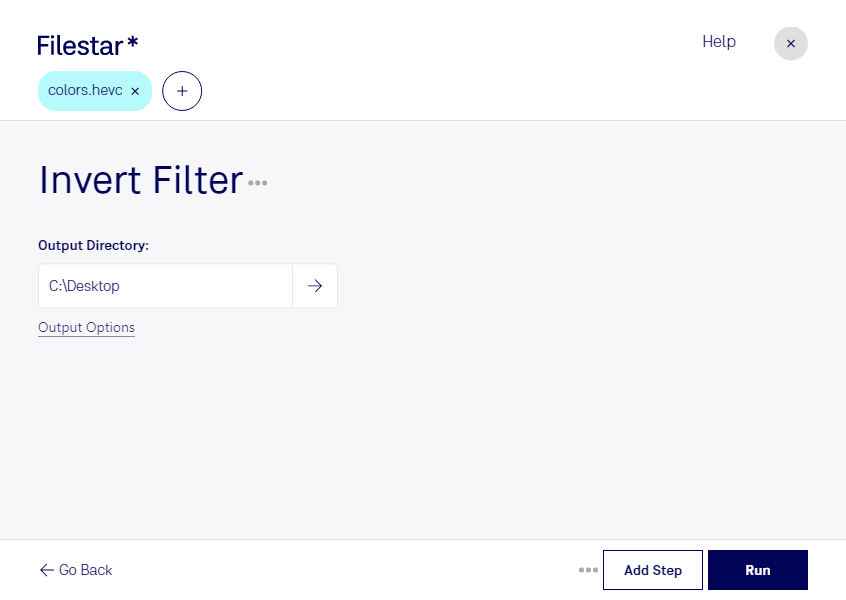
“Use Filestar to invert HEVC filter in my Downloads folder”
Or run it yourself:
filestarcli -i file.hevc -c "invert filter"
Runs on your computer, so your files stay on it. Works on Windows, macOS and Linux. 50 free conversions with the npm install, no account needed.
Can my AI agent invert HEVC filter?
Yes. Install the Filestar CLI with npm install -g filestar and your agent can run filestarcli -i file.hevc -c "invert filter" on your computer, so your files stay on it.
The High Efficiency Video Coding (HEVC) file, commonly known by its file extension .hevc, represents a video compression format designed to substantially improve coding efficiency compared to its predecessor, H.264/AVC. Aimed at enabling higher resolution video content such as 4K and 8K, HEVC is adept at maintaining high-quality video at roughly half the bitrate, significantly reducing file sizes without compromising on visual fidelity. This efficiency makes HEVC particularly valuable in streaming media applications.