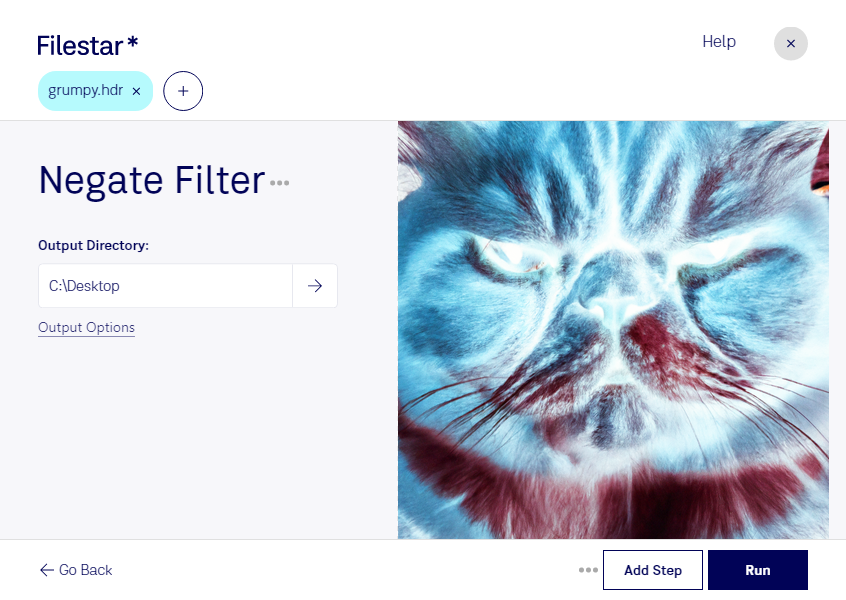
“Use Filestar to negate HDR filter in my Downloads folder”
Or run it yourself:
filestarcli -i photo.hdr -c "negate filter"
Runs on your computer, so your files stay on it. Works on Windows, macOS and Linux. 50 free conversions with the npm install, no account needed.
Can my AI agent negate HDR filter?
Yes. Install the Filestar CLI with npm install -g filestar and your agent can run filestarcli -i photo.hdr -c "negate filter" on your computer, so your files stay on it.
Raster image or digital photo saved in HDRsoft's High Dynamic Range (HDR) image format; used for enhancing the color and brightness range of a digital image; can be processed to fix dark shadows or washed out areas of a picture.