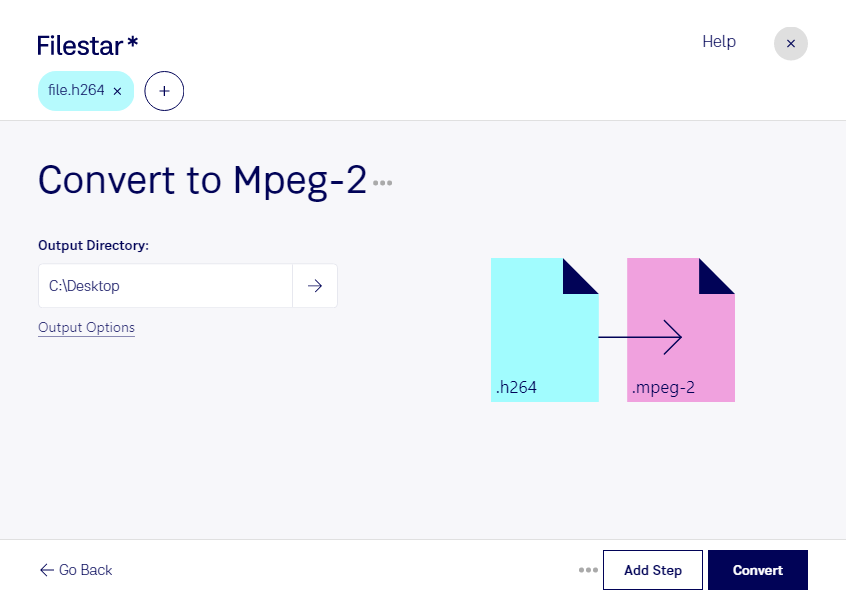
“Convert the H264 files in my Downloads folder to MPEG-2”
Or run it yourself:
filestarcli -i file.h264 -c "convert to mpeg-2"
Runs on your computer, so your files stay on it. Works on Windows, macOS and Linux. 50 free conversions with the npm install, no account needed.
Can my AI agent convert H264 to MPEG-2?
Yes. Install the Filestar CLI with npm install -g filestar and your agent can run filestarcli -i file.h264 -c "convert to mpeg-2" on your computer, so your files stay on it.
The H.264 Encoded Video File, commonly referred to by its file extension .h264, is a digital video file format that utilizes the H.264 codec. This codec, also known as MPEG-4 Part 10 or AVC (Advanced Video Coding), is widely recognized for its high compression efficiency, providing high-quality video at relatively low bitrates. This makes it ideal for use in various applications, from streaming video services and Blu-ray discs to digital television broadcasts and video conferencing.
Video file encoded with the MPEG-2 codec, which is mainly used for over-the-air, satellite, and cable digital TV signals and DVD video; uses lossy compression for audio and video to significantly reduce the size of the video data; not as efficient as the H.264 format.