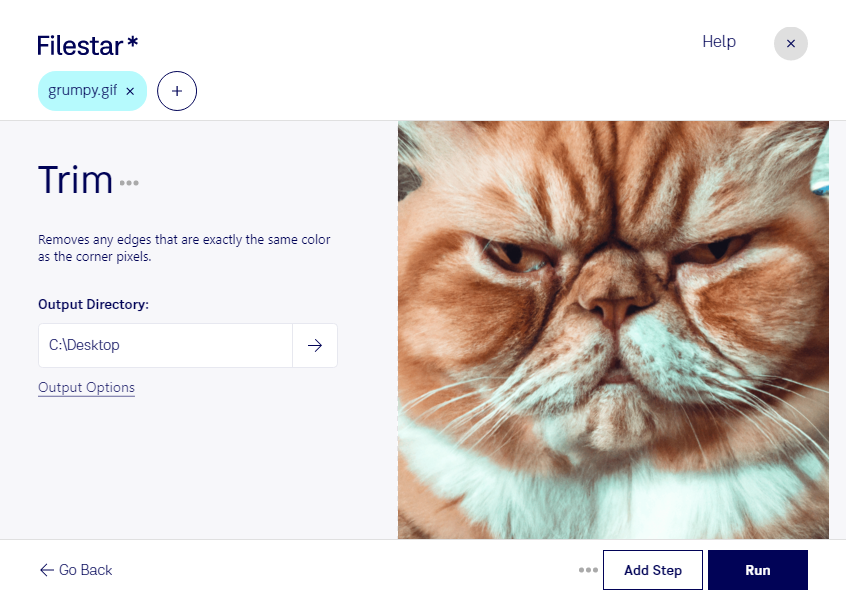
Are you tired of using online converters that compromise the quality of your gif files? Look no further than Filestar's desktop software, which allows you to trim gif files with ease. With Filestar, you can perform bulk/batch operations on your raster image files, saving you time and effort.
Whether you're a graphic designer looking to perfect your animations or a marketer in need of eye-catching visuals, the trim gif feature in Filestar is perfect for you. With just a few clicks, you can cut down your gif files to the exact length you need, ensuring that your images are optimized for your specific project.
One of the best things about Filestar is that it runs locally on your computer, meaning that you don't have to worry about uploading sensitive files to the cloud. This makes it a safer option for professionals who deal with confidential information on a daily basis.
So why wait? Try Filestar's trim gif feature today and experience the benefits of fast, safe, and professional raster image editing.