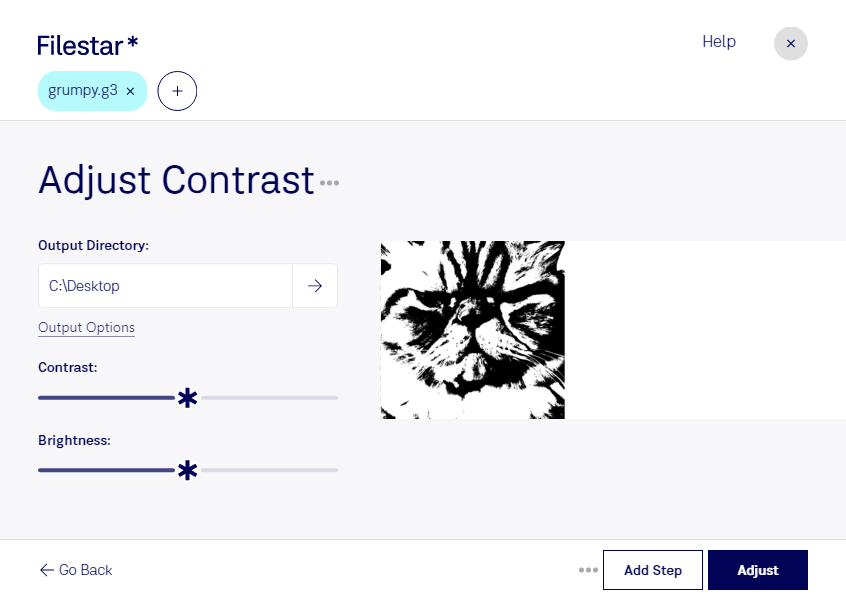
“Use Filestar to adjust G3 contrast in my Downloads folder”
Or run it yourself:
filestarcli -i file.g3 -c "adjust contrast"
Runs on your computer, so your files stay on it. Works on Windows, macOS and Linux. 50 free conversions with the npm install, no account needed.
Can my AI agent adjust G3 contrast?
Yes. Install the Filestar CLI with npm install -g filestar and your agent can run filestarcli -i file.g3 -c "adjust contrast" on your computer, so your files stay on it.
Fax image created in the CCITT Group 3 compressed format, which is used for digital transmission of fax data and supports 1 bit per pixel; can be viewed by programs such as GIMP and IrfanView.