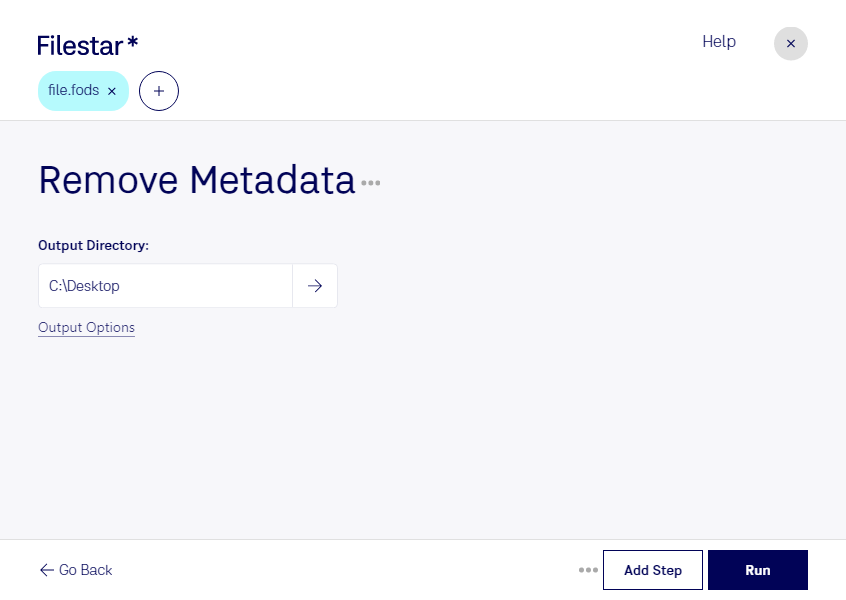
“Use Filestar to remove FODS metadata in my Downloads folder”
Or run it yourself:
filestarcli -i file.fods -c "remove metadata"
Runs on your computer, so your files stay on it. Works on Windows, macOS and Linux. 50 free conversions with the npm install, no account needed.
Can my AI agent remove FODS metadata?
Yes. Install the Filestar CLI with npm install -g filestar and your agent can run filestarcli -i file.fods -c "remove metadata" on your computer, so your files stay on it.
The FODS (OpenDocument Flat XML Spreadsheet) file format is a type of document file designed for storing spreadsheet data in a single, uncompressed XML file. It is part of the OpenDocument Format (ODF) family, an open standard for document files. Unlike the more common ODS format, which packages various components of the spreadsheet (such as XML files, metadata, and images) into a single, compressed ZIP file, FODS files store all the spreadsheet information in a flat XML file.