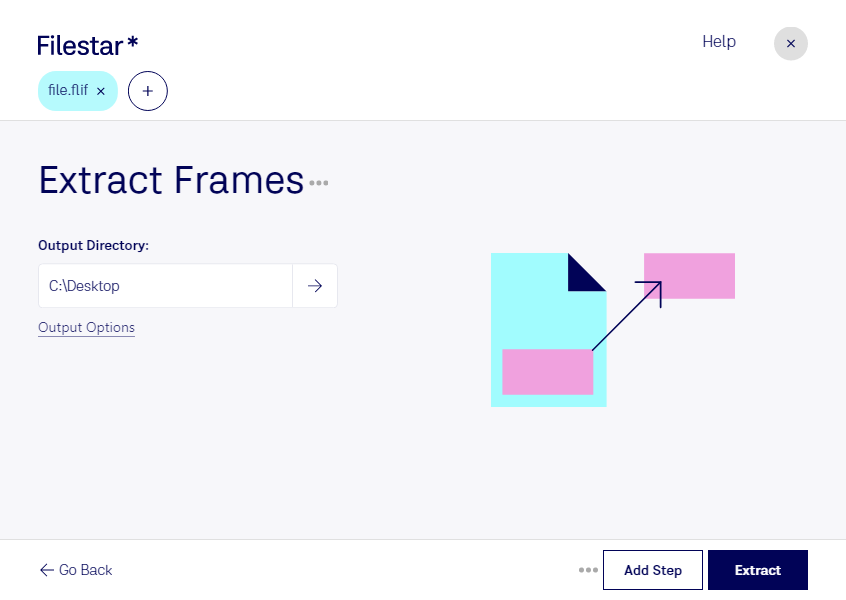
“Use Filestar to extract FLIF frames in my Downloads folder”
Or run it yourself:
filestarcli -i photo.flif -c "extract frames"
Runs on your computer, so your files stay on it. Works on Windows, macOS and Linux. 50 free conversions with the npm install, no account needed.
Can my AI agent extract FLIF frames?
Yes. Install the Filestar CLI with npm install -g filestar and your agent can run filestarcli -i photo.flif -c "extract frames" on your computer, so your files stay on it.
The Free Lossless Image Format File (FLIF) is a digital image file format designed to provide high-quality lossless compression for images. Unlike lossy formats like JPEG, FLIF preserves all the original image data without any degradation, ensuring that images are compressed without sacrificing any detail or clarity. This makes FLIF an ideal choice for applications where image quality is paramount, such as digital archives, professional photography, and graphic design. FLIF also incorporates advanced features such as support for high dynamic range (HDR).