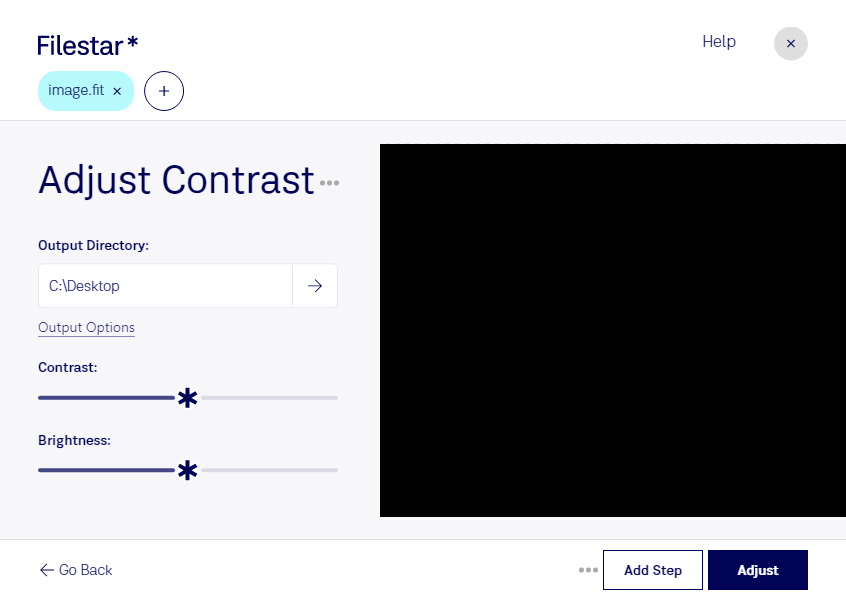
“Use Filestar to adjust FIT contrast in my Downloads folder”
Or run it yourself:
filestarcli -i photo.fit -c "adjust contrast"
Runs on your computer, so your files stay on it. Works on Windows, macOS and Linux. 50 free conversions with the npm install, no account needed.
Can my AI agent adjust FIT contrast?
Yes. Install the Filestar CLI with npm install -g filestar and your agent can run filestarcli -i photo.fit -c "adjust contrast" on your computer, so your files stay on it.
FTS file format is used to edit, store and transmit images with metadata (data with spatial and photometric calibrations) for scientific purposes. Most times it stores the data without the actual associated images.