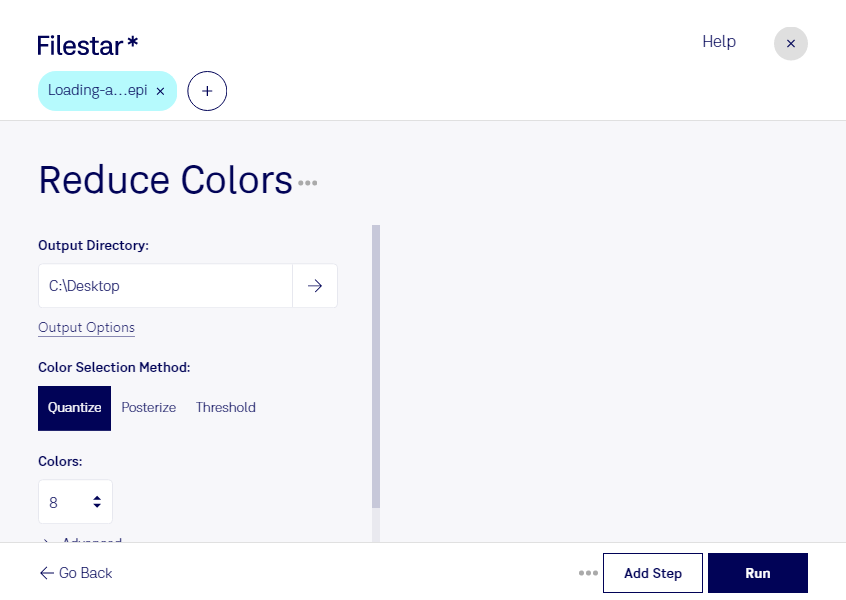
Download and install the latest version of Filestar.
Right click on one or more Epi file(s) on your desktop and select Convert with Filestar.
Type reduce colors in the search box.
Press Run.
Or let an AI agent do it: filestarcli -i photo.epi -c "reduce colors" (how).
Let your AI agent reduce EPI colors
Claude Code, Codex, Cursor and other agents can do this on your computer with Filestar. Your files stay on your machine.
Install Filestar and add it to your agents:
npm install -g filestar
filestarcli agent install
Then ask your agent:
“Use Filestar to reduce EPI colors in my Downloads folder”
Or run it yourself:
filestarcli -i photo.epi -c "reduce colors"
Runs on your computer, so your files stay on it. Works on Windows, macOS and Linux. 50 free conversions with the npm install, no account needed.
Can my AI agent reduce EPI colors?
Yes. Install the Filestar CLI with npm install -g filestar and your agent can run filestarcli -i photo.epi -c "reduce colors" on your computer, so your files stay on it.
Adobe Encapsulated PostScript Interchange Format (EPI) is a vector image file format used to store and interchange vector graphics and text. It is an extension of the popular Encapsulated PostScript (EPS) format and is used as a container for bitmap images and other data. EPIs are used for high-resolution printing and digital publishing.