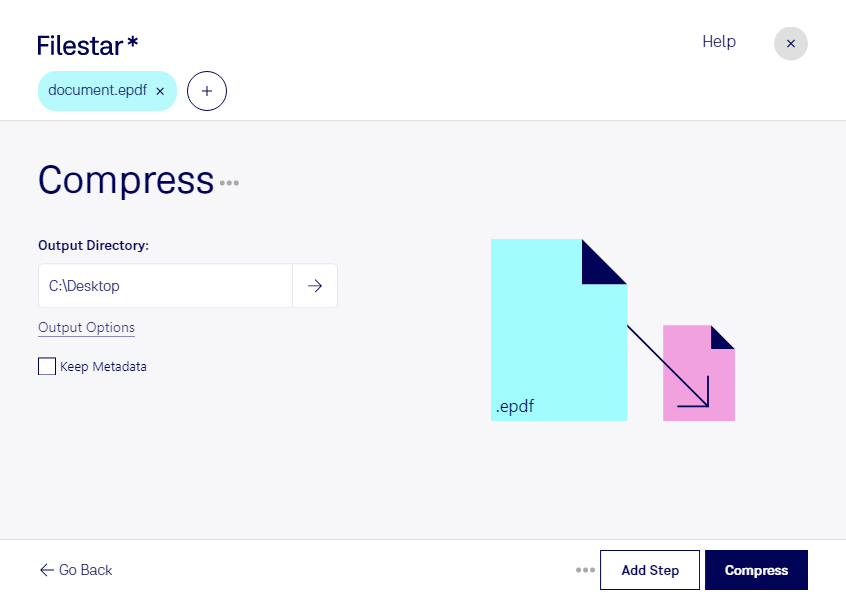
Are you tired of dealing with large ePDF files that take up too much space on your computer? Look no further than Filestar's compress ePDF feature. Our software allows you to easily compress your ePDF files, reducing their size while maintaining their quality.
One of the best things about Filestar is that it allows for bulk/batch conversion and operations. This means you can compress multiple ePDF files at once, saving you time and effort. Whether you're a graphic designer, publisher, or anyone else who deals with ePDF files on a regular basis, our software can help streamline your workflow.
Filestar runs on both Windows and OSX, so no matter what type of computer you have, you can take advantage of our compress ePDF feature. Plus, since our software is locally installed, you don't have to worry about internet connection or security issues that come with online converters.
Professionals in a variety of industries can benefit from compressing ePDF files. For example, graphic designers who work with large ePDF files can use our software to reduce file size and make it easier to share with clients. Publishers can compress ePDF files to make them easier to distribute online. And anyone who needs to free up space on their computer can use our compress ePDF feature to reduce file size.
In conclusion, if you're looking for a safe and efficient way to compress ePDF files, look no further than Filestar. With our locally installed software and bulk/batch conversion capabilities, you'll be able to quickly and easily compress your ePDF files without sacrificing quality. Contact us today to learn more!