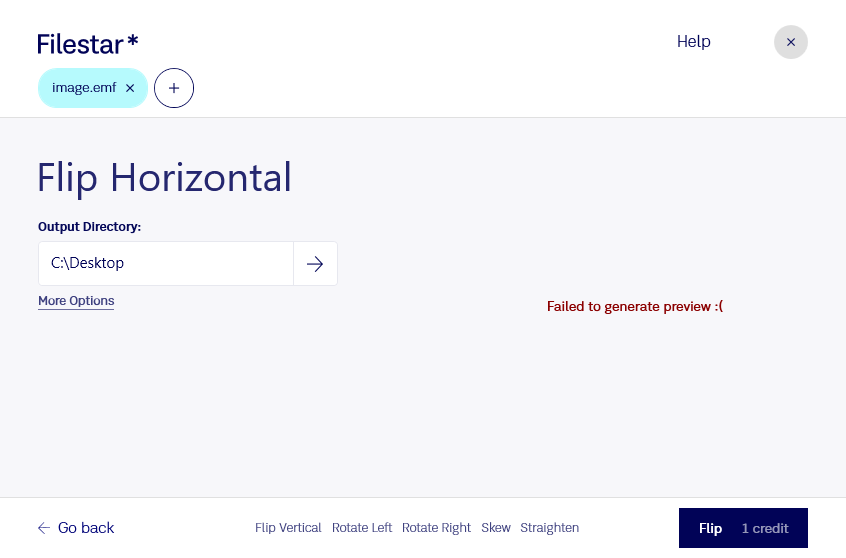
Download and install the latest version of Filestar.
Right click on one or more Emf file(s) on your desktop and select Convert with Filestar.
Type flip horizontal in the search box.
Press Flip.
Or let an AI agent do it: filestarcli -i photo.emf -c "flip horizontal" (how).
Let your AI agent flip EMF horizontal
Claude Code, Codex, Cursor and other agents can do this on your computer with Filestar. Your files stay on your machine. It works on Windows, macOS only.
“Use Filestar to flip EMF horizontal in my Downloads folder”
Or run it yourself:
filestarcli -i photo.emf -c "flip horizontal"
Runs on your computer, so your files stay on it. Works on Windows and macOS. 50 free conversions with the npm install, no account needed.
Can my AI agent flip EMF horizontal?
Yes. Install the Filestar CLI with npm install -g filestar and your agent can run filestarcli -i photo.emf -c "flip horizontal" on your computer, so your files stay on it.
Windows vector graphics format recognized by many image-editing applications; basically a 32-bit version of the original Windows Metafile Format (.WMF), which only supports 16-bit data; saves image data in an RGB format and does not support CMYK data.