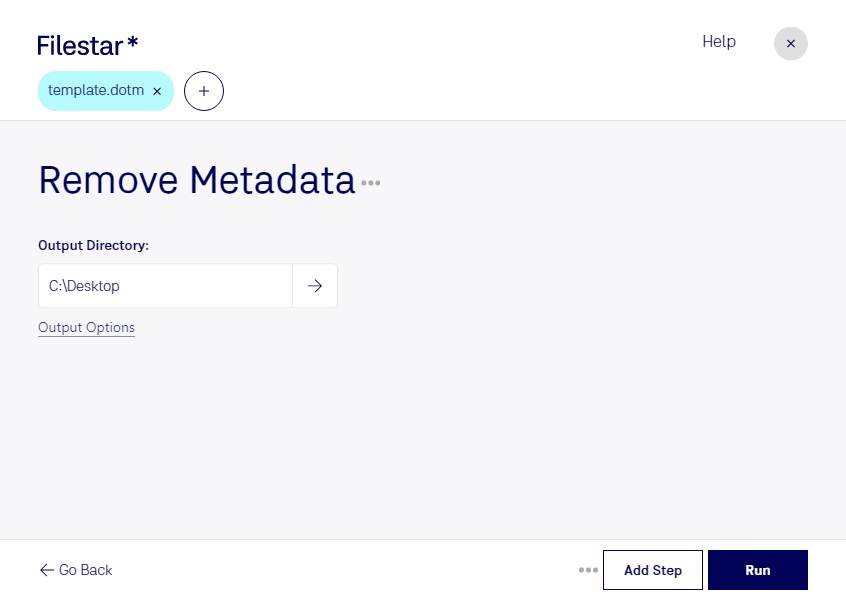
“Use Filestar to remove DOTM metadata in my Downloads folder”
Or run it yourself:
filestarcli -i file.dotm -c "remove metadata"
Runs on your computer, so your files stay on it. Works on Windows, macOS and Linux. 50 free conversions with the npm install, no account needed.
Can my AI agent remove DOTM metadata?
Yes. Install the Filestar CLI with npm install -g filestar and your agent can run filestarcli -i file.dotm -c "remove metadata" on your computer, so your files stay on it.
A DOTM file is a Word Open XML Macro-Enabled Document Template used by Microsoft Word, part of the Microsoft Office suite. It is a template file that contains default layouts and settings for a document, including macros, which are small programs that automate repetitive tasks. Unlike standard Word templates (.dotx), which do not support macros, DOTM files enable users to include custom macros that can be executed within the document. This feature is particularly useful for creating standardized documents that require specific automated functions.