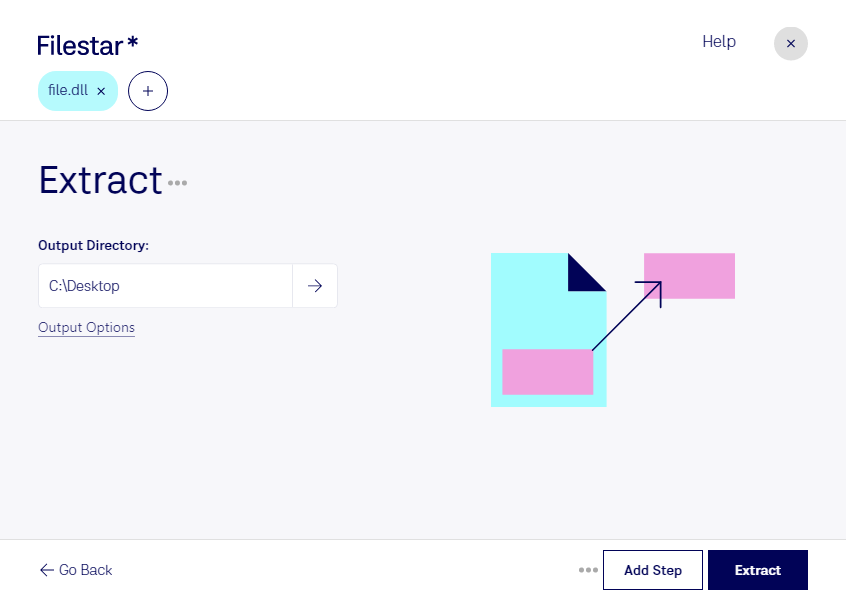
“Use Filestar to extract DLL in my Downloads folder”
Or run it yourself:
filestarcli -i file.dll -c "extract"
Runs on your computer, so your files stay on it. Works on Windows, macOS and Linux. 50 free conversions with the npm install, no account needed.
Can my AI agent extract DLL?
Yes. Install the Filestar CLI with npm install -g filestar and your agent can run filestarcli -i file.dll -c "extract" on your computer, so your files stay on it.
Dynamic-link library (DLL) is Microsoft's implementation of the shared library concept in the Microsoft Windows and OS/2 operating systems. These libraries usually have the file extension DLL, OCX (for libraries containing ActiveX controls), or DRV (for legacy system drivers). The file formats for DLLs are the same as for Windows EXE files – that is, Portable Executable (PE) for 32-bit and 64-bit Windows, and New Executable (NE) for 16-bit Windows. As with EXEs, DLLs can contain code, data, and resources, in any combination.