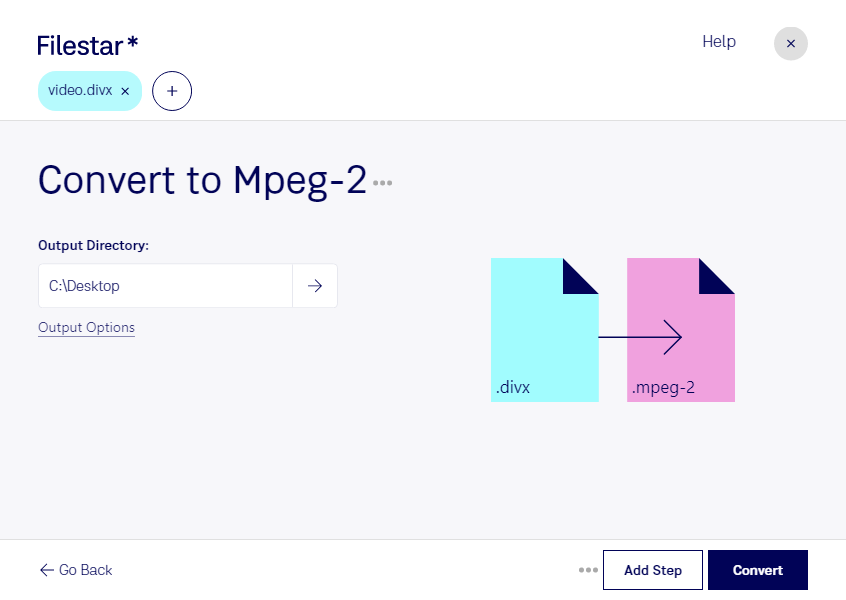
“Convert the DIVX files in my Downloads folder to MPEG-2”
Or run it yourself:
filestarcli -i file.divx -c "convert to mpeg-2"
Runs on your computer, so your files stay on it. Works on Windows, macOS and Linux. 50 free conversions with the npm install, no account needed.
Can my AI agent convert DIVX to MPEG-2?
Yes. Install the Filestar CLI with npm install -g filestar and your agent can run filestarcli -i file.divx -c "convert to mpeg-2" on your computer, so your files stay on it.
A DivX-Encoded Movie File, designated with the .divx file extension, is a digital video format that offers a high-quality, highly compressed viewing experience. Developed by DivX, LLC, this format is designed to compress lengthy video segments into smaller sizes without significantly sacrificing visual quality. This enables users to store and distribute high-definition videos more efficiently over limited bandwidth or storage capacities. The DivX codec, which is required to play these files, supports advanced multimedia features such as multiple video streams.
Video file encoded with the MPEG-2 codec, which is mainly used for over-the-air, satellite, and cable digital TV signals and DVD video; uses lossy compression for audio and video to significantly reduce the size of the video data; not as efficient as the H.264 format.