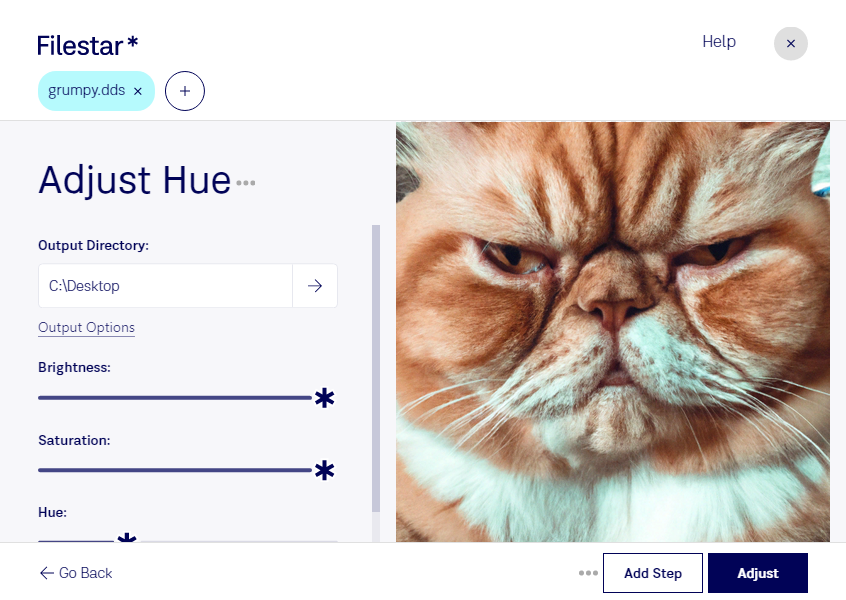
“Use Filestar to adjust DDS hue in my Downloads folder”
Or run it yourself:
filestarcli -i photo.dds -c "adjust hue"
Runs on your computer, so your files stay on it. Works on Windows, macOS and Linux. 50 free conversions with the npm install, no account needed.
Can my AI agent adjust DDS hue?
Yes. Install the Filestar CLI with npm install -g filestar and your agent can run filestarcli -i photo.dds -c "adjust hue" on your computer, so your files stay on it.
A DDS file is a raster image saved in the DirectDraw Surface (DDS) container format. It can store compressed and uncompressed pixel formats and is often used for texturing video game unit models. DDS files may also be used to store Windows desktop backgrounds or wallpapers.