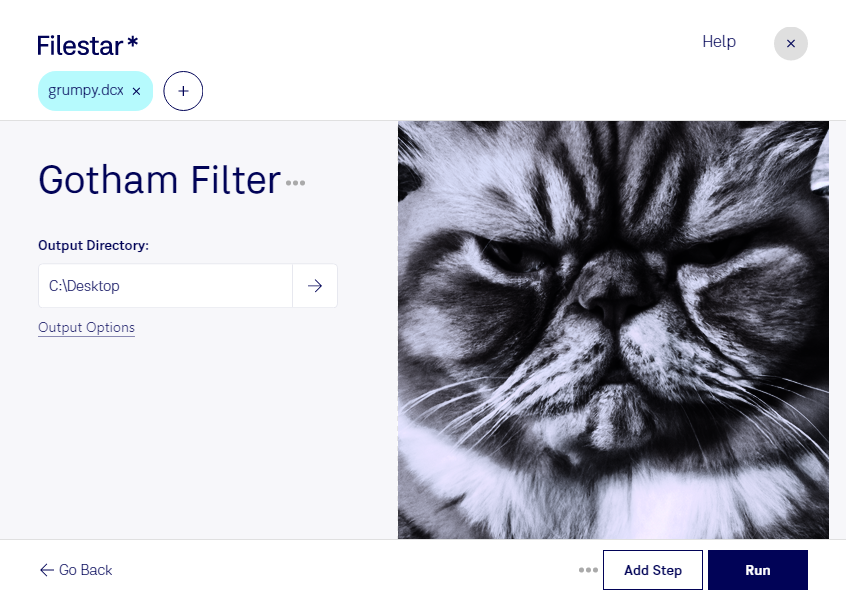
Gotham DCX Filter: Efficiently Convert and Process DCX Files Locally
Gotham DCX Filter is a powerful file conversion and processing software that allows you to easily convert your DCX files into a variety of different formats. With the ability to perform bulk/batch operations, Gotham DCX Filter saves you time and effort by allowing you to process multiple files at once.
Filestar's software runs on both Windows and OSX, making it the perfect choice for professionals who need local file conversion and processing. Whether you're a graphic designer, photographer, or archivist, Gotham DCX Filter can help you streamline your workflow and get your work done faster.
One of the biggest advantages of using Gotham DCX Filter is the ability to convert and process your files locally on your computer. This is a much safer option than using cloud-based file conversion services, which can put your data at risk. By keeping your files on your own computer, you can be sure that your data is secure and protected.
If you work with DCX files on a regular basis, Gotham DCX Filter is an essential tool for your workflow. It allows you to easily convert your files into a variety of different formats, including JPEG, PNG, and BMP. You can also adjust the image quality and resolution to meet your specific needs.
In conclusion, Gotham DCX Filter is a powerful and efficient file conversion and processing software that can save you time and effort. With its ability to perform bulk/batch operations and run locally on your computer, it's the perfect tool for professionals who need to convert and process DCX files on a regular basis. Try it out today and see how it can improve your workflow!