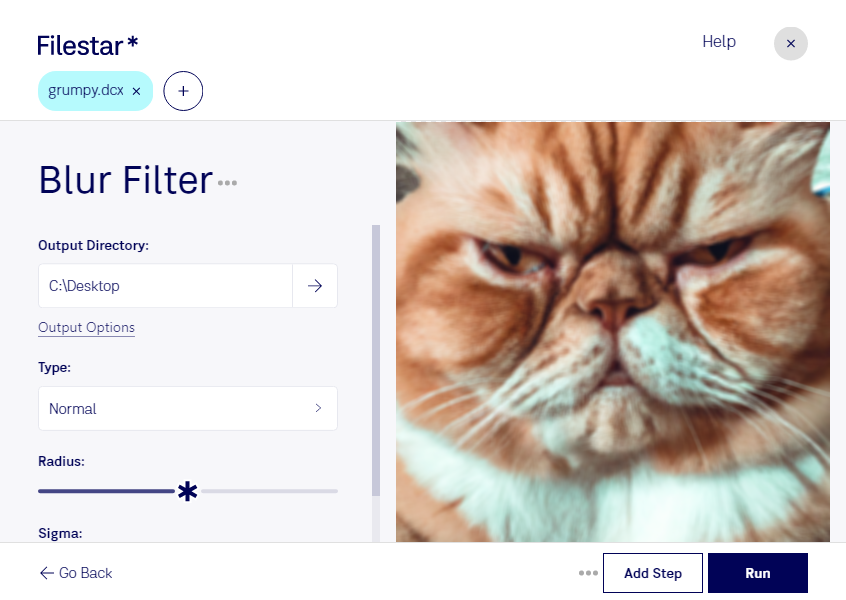
Blur dcx filter

  1. Download and install the latest version of Filestar.

  2. Right click on one or more Dcx file(s) on your desktop and select Convert with Filestar.

  3. Type blur filter in the search box.

  4. Press Run.

Or let an AI agent do it: filestarcli -i photo.dcx -c "blur filter" (how).

blur dcx filter

Let your AI agent blur DCX filter

Claude Code, Codex, Cursor and other agents can do this on your computer with Filestar. Your files stay on your machine.

Install Filestar and add it to your agents:

npm install -g filestar
filestarcli agent install

Then ask your agent:

“Use Filestar to blur DCX filter in my Downloads folder”

Or run it yourself:

filestarcli -i photo.dcx -c "blur filter"

Runs on your computer, so your files stay on it. Works on Windows, macOS and Linux. 50 free conversions with the npm install, no account needed.

Can my AI agent blur DCX filter?

Yes. Install the Filestar CLI with npm install -g filestar and your agent can run filestarcli -i photo.dcx -c "blur filter" on your computer, so your files stay on it.

Using Filestar With AI Agents · Download SKILL.md

What is .dcx?

Extension
.dcx
Format
Binary
Category
Raster Image
Developer
ZSoft
Description
DCX file is a multi-page image file developed by raster file or bitmap file formats. It is generated fro PCX files, so it has a small header that shows the .dcx then a sequence of .pcx data. Popularly used by applications to create and send multi-page fax files.
MIME Type
image/x-dcx

Blur Dcx Filter Today

Get started within minutes

Are you looking for a way to convert and process your DCX files locally? Look no further than Filestar's Blur DCX Filter. Our software allows for bulk operations, making it easy to convert or process multiple files at once. Plus, it runs on both Windows and OSX, so you can use it no matter what operating system you prefer.

Professionals in industries such as graphic design and architecture will find our Blur DCX Filter to be an invaluable tool. With the ability to apply a blur effect to your DCX files, you can create stunning visuals that will impress your clients and colleagues alike. Whether you're looking to enhance the aesthetics of a design or create a realistic rendering of a building, our software can help.

One of the most significant advantages of using Filestar's Blur DCX Filter is that you can convert and process your files locally. This means that you don't have to worry about the security risks associated with cloud-based services. By keeping your files on your own computer, you can ensure that they are safe and secure.

In conclusion, if you're looking for a reliable and efficient way to convert and process your DCX files locally, Filestar's Blur DCX Filter is the perfect solution. With its bulk operations and cross-platform compatibility, it's the ideal choice for professionals in a variety of industries. So why wait? Try it out today and see the difference for yourself!