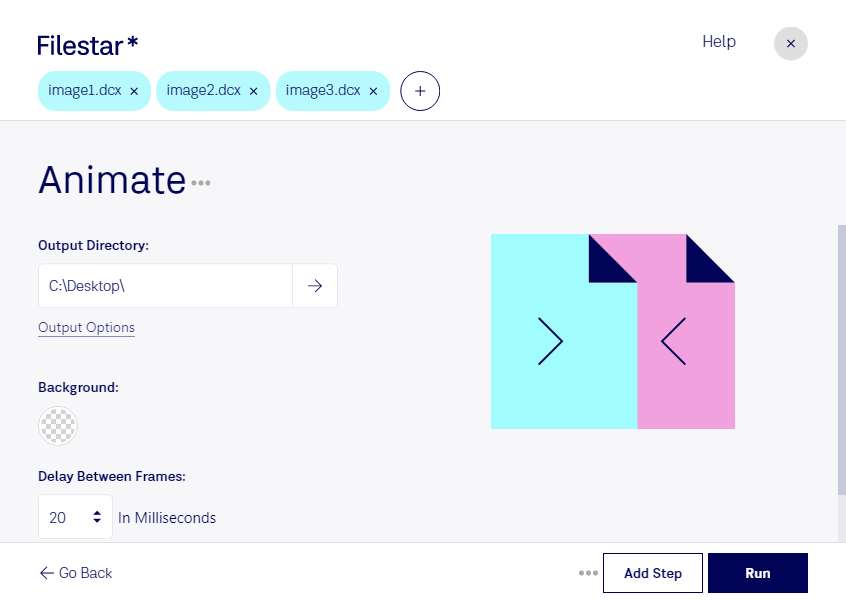
Animate dcx

  1. Download and install the latest version of Filestar.

  2. Right click on one or more Dcx file(s) on your desktop and select Convert with Filestar.

  3. Type animate in the search box.

  4. Press Run.

Or let an AI agent do it: filestarcli -i photo.dcx -c "animate" (how).

animate dcx

Let your AI agent animate DCX

Claude Code, Codex, Cursor and other agents can do this on your computer with Filestar. Your files stay on your machine.

Install Filestar and add it to your agents:

npm install -g filestar
filestarcli agent install

Then ask your agent:

“Use Filestar to animate DCX in my Downloads folder”

Or run it yourself:

filestarcli -i photo.dcx -c "animate"

Runs on your computer, so your files stay on it. Works on Windows, macOS and Linux. 50 free conversions with the npm install, no account needed.

Can my AI agent animate DCX?

Yes. Install the Filestar CLI with npm install -g filestar and your agent can run filestarcli -i photo.dcx -c "animate" on your computer, so your files stay on it.

Using Filestar With AI Agents · Download SKILL.md

What is .dcx?

Extension
.dcx
Format
Binary
Category
Raster Image
Developer
ZSoft
Description
DCX file is a multi-page image file developed by raster file or bitmap file formats. It is generated fro PCX files, so it has a small header that shows the .dcx then a sequence of .pcx data. Popularly used by applications to create and send multi-page fax files.
MIME Type
image/x-dcx

Animate Dcx Today

Get started within minutes

Animate DCX - Convert and Process Raster Image Files with Filestar

Filestar's Animate DCX feature allows for easy conversion and processing of DCX files, a raster image file format used for ZSoft IBM PC Multi-Page Paintbrush Images. With Filestar, you can convert your DCX files in bulk, saving you time and effort.

Filestar runs on both Windows and OSX, making it a versatile tool for professionals in various industries. For example, architects and engineers can use Animate DCX to convert and process technical drawings and blueprints. Graphic designers can use it to convert and process images for their projects.

One of the benefits of using Filestar for local conversions and processing is that it is more secure than cloud-based solutions. Your files stay on your computer, reducing the risk of data breaches or unauthorized access. Plus, local processing is faster and more reliable than relying on an internet connection.

In addition to Animate DCX, Filestar offers a wide range of features for converting and processing various file types. With Filestar, you can easily convert documents, images, audio files, and more. Plus, you can automate your workflows with Filestar's batch processing feature, saving you even more time and effort.

Get started with Filestar today and experience the benefits of local, secure, and efficient file conversions and processing. Contact us for more information or to start your free trial.