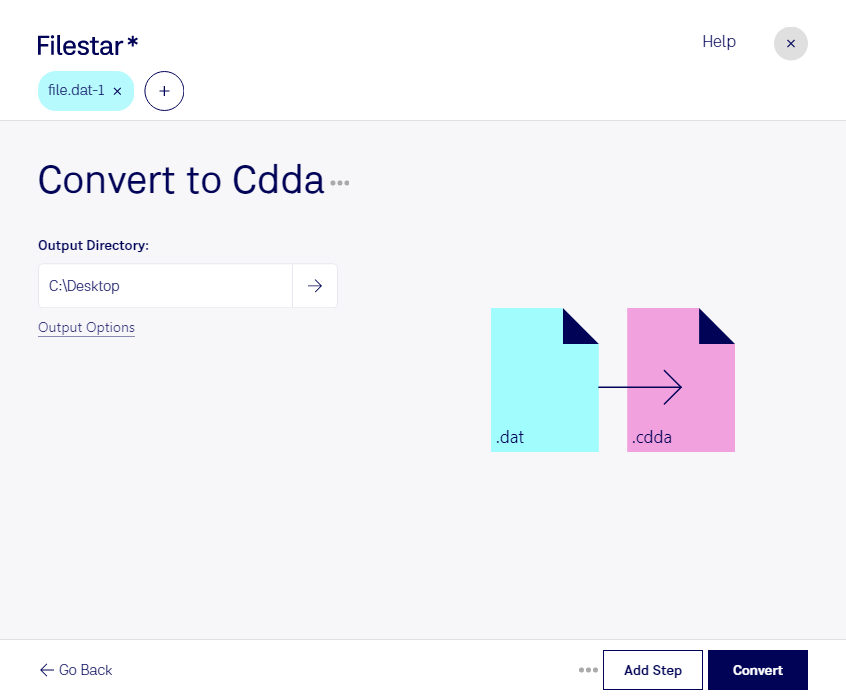
Download and install the latest version of Filestar.
Right click on one or more Dat file(s) on your desktop and select Convert with Filestar.
Type convert to cdda in the search box.
Press Convert.
Or let an AI agent do it: filestarcli -i file.dat -c "convert to cdda" (how).
Let your AI agent convert VideoCD MPEG to CDDA
Claude Code, Codex, Cursor and other agents can do this on your computer with Filestar. Your files stay on your machine.
Install Filestar and add it to your agents:
npm install -g filestar
filestarcli agent install
Then ask your agent:
“Convert the VideoCD MPEG files in my Downloads folder to CDDA”
Or run it yourself:
filestarcli -i file.dat -c "convert to cdda"
Runs on your computer, so your files stay on it. Works on Windows, macOS and Linux. 50 free conversions with the npm install, no account needed.
Can my AI agent convert VideoCD MPEG to CDDA?
Yes. Install the Filestar CLI with npm install -g filestar and your agent can run filestarcli -i file.dat -c "convert to cdda" on your computer, so your files stay on it.
A CDDA (CD Digital Audio File) is a type of audio file extracted directly from an audio CD. This format is also known as CD-DA, which stands for Compact Disc Digital Audio. It is a standard format for audio CDs established by Philips and Sony in the Red Book specification. CDDA files represent uncompressed digital audio data in a linear PCM (Pulse Code Modulation) format.