- Extension
- .dae
- .svg
- Format
- Text
- Category
- 3D
- Vector Image
- Developer
- Khronos Group
- Adobe Systems
- Description
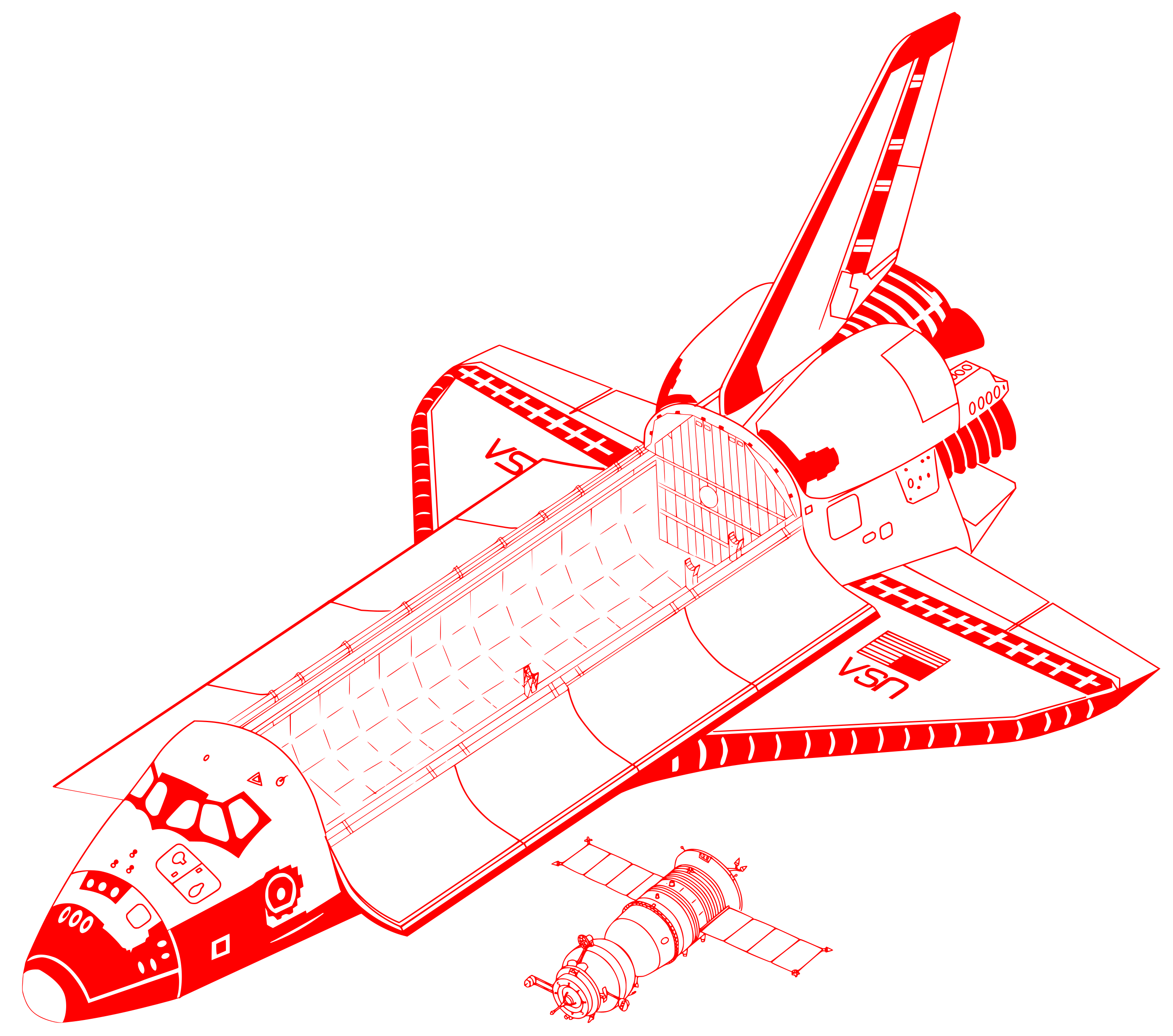
- The Collada file format was developed to permit cross-platform collaboration when using different design applications. DAE is an open-source format that uses the XML-based schema allowing it to effectively transverse across multiple programs.
- An SVG file is a graphics file that uses a two-dimensional vector graphic format created by the World Wide Web Consortium (W3C). It describes images using a text format that is based on XML. SVG files are developed as a standard format for displaying vector graphics on the web.
- MIME Type
- model/vnd.collada+xml
- image/svg+xml