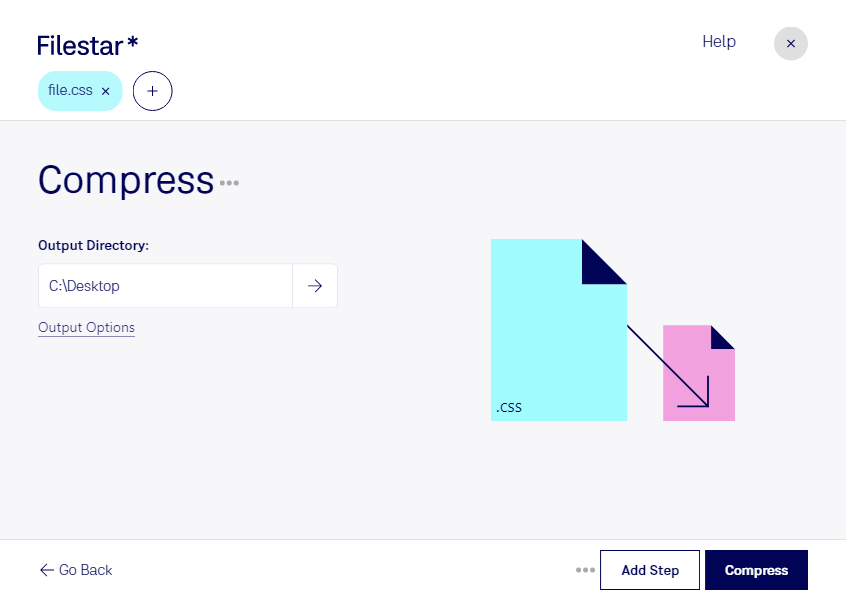
“Use Filestar to compress CSS in my Downloads folder”
Or run it yourself:
filestarcli -i file.css -c "compress"
Runs on your computer, so your files stay on it. Works on Windows. 50 free conversions with the npm install, no account needed.
Can my AI agent compress CSS?
Yes. Install the Filestar CLI with npm install -g filestar and your agent can run filestarcli -i file.css -c "compress" on your computer, so your files stay on it.
CSS, or Cascading Style Sheets, is a stylesheet language used for describing the presentation of a document written in a markup language, such as HTML. CSS is used to control the appearance of the content on a web page, including font size, font family, colors, and spacing. It allows developers to separate the content of a web page from its presentation, making it easier to maintain and update the appearance of a website.