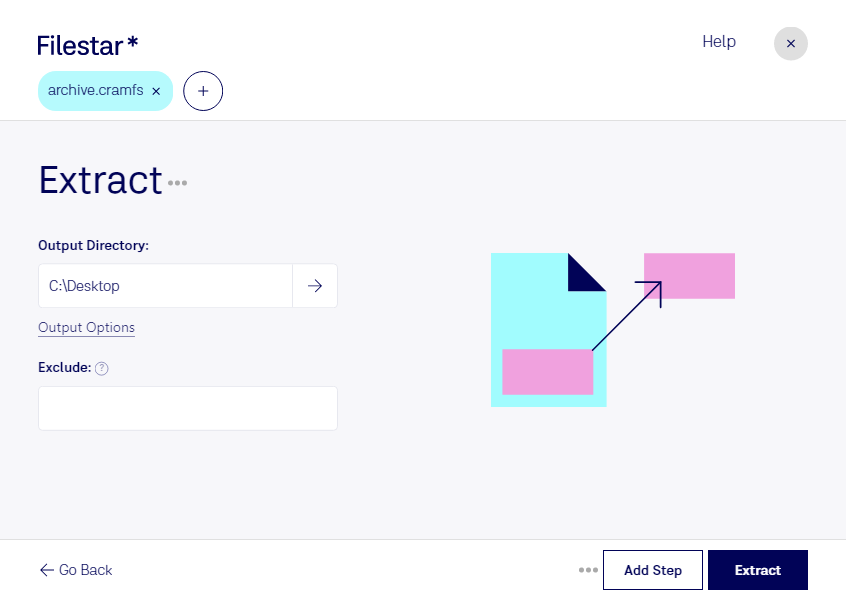
Extract cramfs

  1. Download and install the latest version of Filestar.

  2. Right click on one or more Cramfs file(s) on your desktop and select Convert with Filestar.

  3. Type extract in the search box.

  4. Press Extract.

  5. Or let an AI agent do it: filestarcli -i file.cramfs -c "extract" (how).

extract cramfs

Let your AI agent extract CRAMFS

Claude Code, Codex, Cursor and other agents can do this on your computer with Filestar. Your files stay on your machine.

Install Filestar and add it to your agents:

npm install -g filestar
filestarcli agent install

Then ask your agent:

“Use Filestar to extract CRAMFS in my Downloads folder”

Or run it yourself:

filestarcli -i file.cramfs -c "extract"

Runs on your computer, so your files stay on it. Works on Windows, macOS and Linux. 50 free conversions with the npm install, no account needed.

Can my AI agent extract CRAMFS?

Yes. Install the Filestar CLI with npm install -g filestar and your agent can run filestarcli -i file.cramfs -c "extract" on your computer, so your files stay on it.

Using Filestar With AI Agents → · Download SKILL.md

What is .cramfs?

Extension
.cramfs
Format
Binary
Category
Compressed
Developer
Daniel Quinlan
Description
A Cramfs image is a compressed, read-only Linux filesystem, mostly used in embedded and small-footprint systems. Firmware update files for routers, radios and other devices often contain one, sometimes behind a vendor header.
MIME Type
application/x-cramfs

Extract Cramfs Today

Get started within minutes