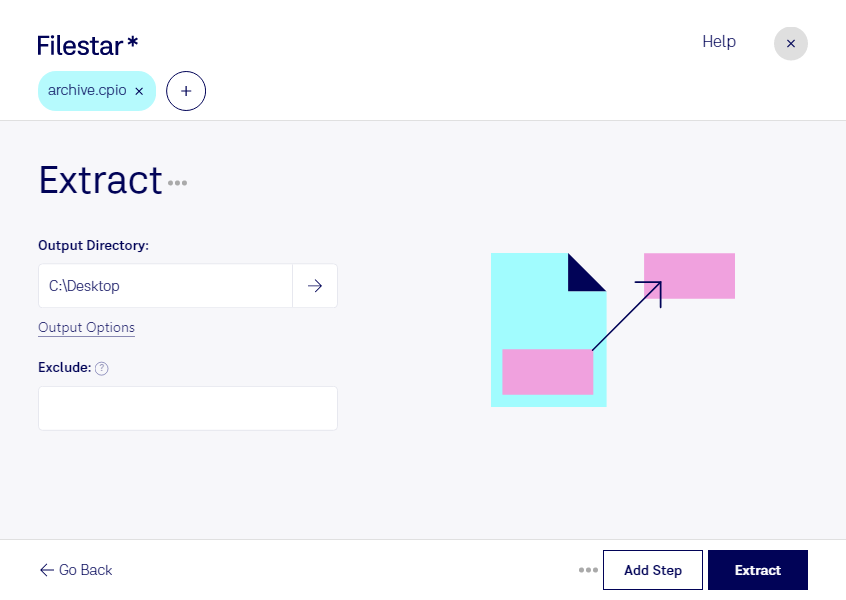
“Use Filestar to extract CPIO in my Downloads folder”
Or run it yourself:
filestarcli -i file.cpio -c "extract"
Runs on your computer, so your files stay on it. Works on Windows, macOS and Linux. 50 free conversions with the npm install, no account needed.
Can my AI agent extract CPIO?
Yes. Install the Filestar CLI with npm install -g filestar and your agent can run filestarcli -i file.cpio -c "extract" on your computer, so your files stay on it.
The cpio file type is associated with Unix-based systems and represents a format used for archiving and compressing files. The name "cpio" stands for "copy in, copy out," reflecting the method by which files are gathered into an archive or extracted from one. This format supports various compression methods and is commonly utilized for creating archives in backup processes, distributing packages, or consolidating files for easier transfer. A cpio archive can contain multiple files and directories, preserving their file attributes.