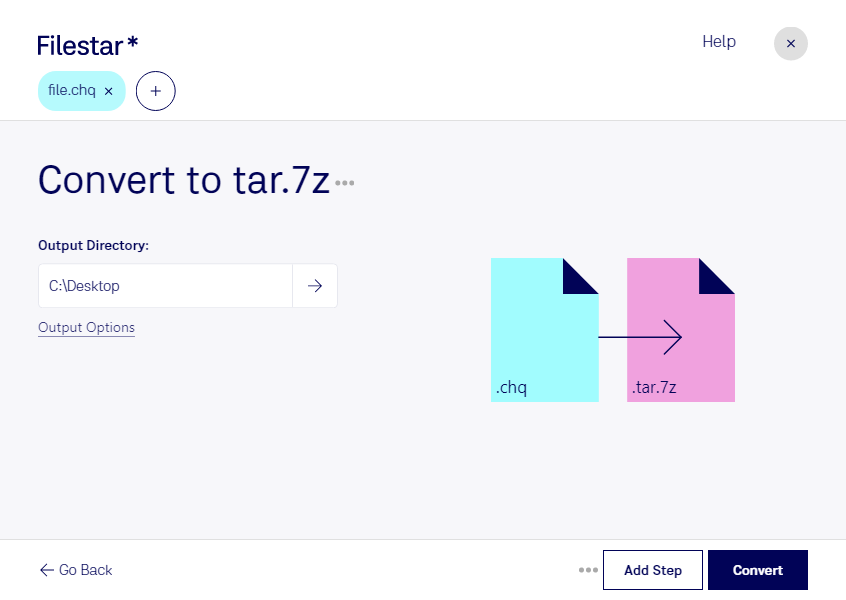
“Convert the CHQ files in my Downloads folder to TAR.7Z”
Or run it yourself:
filestarcli -i file.chq -c "convert to tar.7z"
Runs on your computer, so your files stay on it. Works on Windows, macOS and Linux. 50 free conversions with the npm install, no account needed.
Can my AI agent convert CHQ to TAR.7Z?
Yes. Install the Filestar CLI with npm install -g filestar and your agent can run filestarcli -i file.chq -c "convert to tar.7z" on your computer, so your files stay on it.
Microsoft Compiled HTML Help is a proprietary format for online help files, developed by Microsoft and first released in 1997 as a successor to the Microsoft WinHelp format. It was first introduced with the release of Windows 98, and is still supported and distributed through Windows XP, Vista and Windows 7 platforms.
This format works based on the LZMA principle compression algorithm. It was originally used in 7-Zip archives. tar.7z archives were created for storing info about file owners and for ease of use in Unix systems, based on a TAR archiving tool.