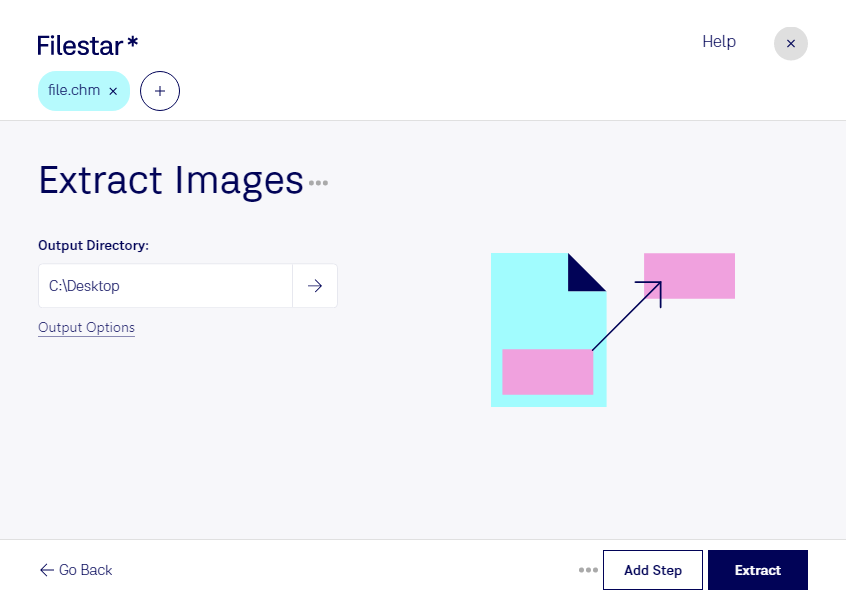
“Use Filestar to extract CHM images in my Downloads folder”
Or run it yourself:
filestarcli -i file.chm -c "extract images"
Runs on your computer, so your files stay on it. Works on Windows, macOS and Linux. 50 free conversions with the npm install, no account needed.
Can my AI agent extract CHM images?
Yes. Install the Filestar CLI with npm install -g filestar and your agent can run filestarcli -i file.chm -c "extract images" on your computer, so your files stay on it.
Comprises of texts, hyperlinks, and images that make up help documentation saved in HTML format. They provide help solutions that can be viewed on web browsers.