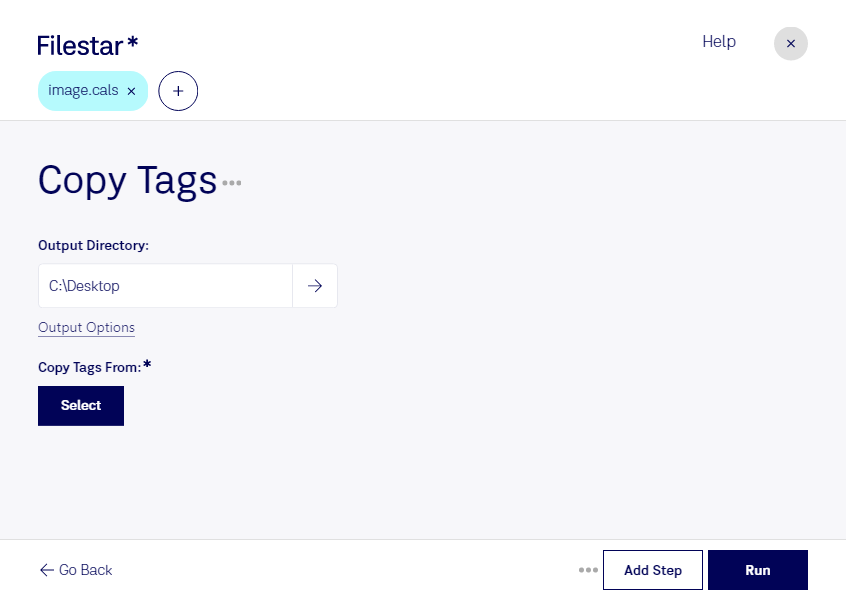
“Use Filestar to copy CALS tags in my Downloads folder”
Or run it yourself:
filestarcli -i photo.cals -c "copy tags"
Runs on your computer, so your files stay on it. Works on Windows, macOS and Linux. 50 free conversions with the npm install, no account needed.
Can my AI agent copy CALS tags?
Yes. Install the Filestar CLI with npm install -g filestar and your agent can run filestarcli -i photo.cals -c "copy tags" on your computer, so your files stay on it.
The CALS Raster Graphic File, having the extension .cals, is a type of image file format primarily used for the storage and exchange of digital images, especially in the context of technical and engineering documents. Developed in the mid-1980s by the United States Department of Defense, the CALS format was part of an initiative to standardize electronic document management and interchange, particularly for military and government applications.