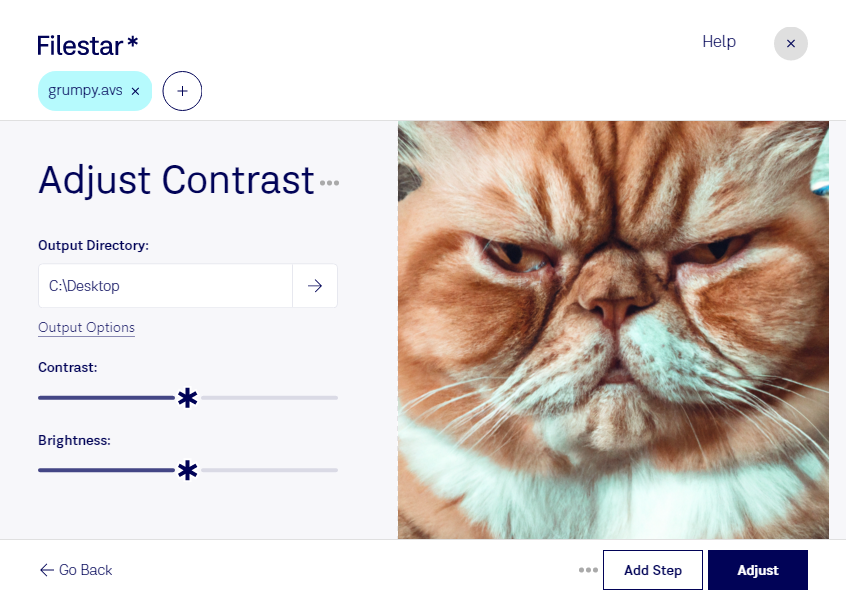
“Use Filestar to adjust AVS contrast in my Downloads folder”
Or run it yourself:
filestarcli -i photo.avs -c "adjust contrast"
Runs on your computer, so your files stay on it. Works on Windows, macOS and Linux. 50 free conversions with the npm install, no account needed.
Can my AI agent adjust AVS contrast?
Yes. Install the Filestar CLI with npm install -g filestar and your agent can run filestarcli -i photo.avs -c "adjust contrast" on your computer, so your files stay on it.
AVS (Application Visualization System) file is a graphics file for Stardent AVS X image visualization. It is currently available on several platforms but it was originally developed only by the Stardent computer.