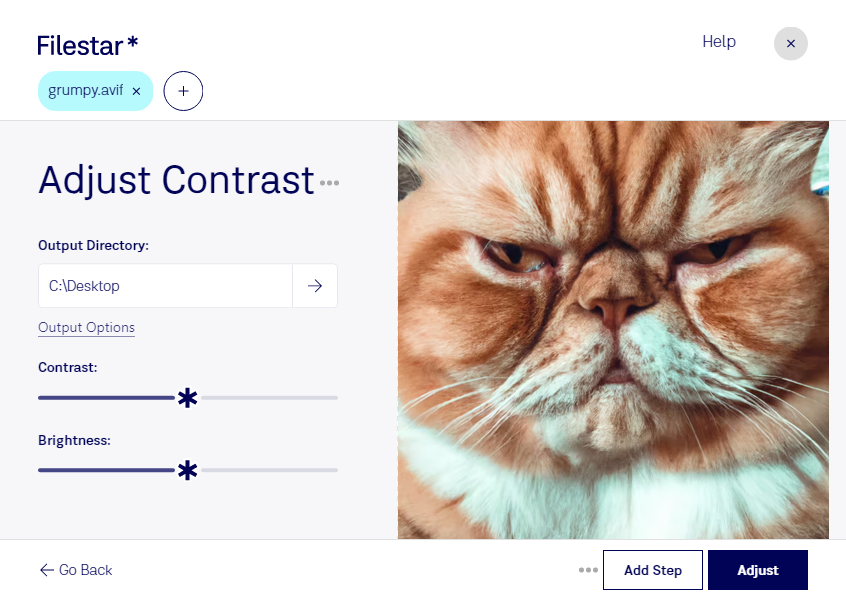
“Use Filestar to adjust AVIF contrast in my Downloads folder”
Or run it yourself:
filestarcli -i photo.avif -c "adjust contrast"
Runs on your computer, so your files stay on it. Works on Windows, macOS and Linux. 50 free conversions with the npm install, no account needed.
Can my AI agent adjust AVIF contrast?
Yes. Install the Filestar CLI with npm install -g filestar and your agent can run filestarcli -i photo.avif -c "adjust contrast" on your computer, so your files stay on it.
It is an image compression codec file with the same quality as .jpeg, but that is ten smaller. It supports HDR (High Dynamic Range). SDR (Standard Dynamic Range), and WCG (Wide Color Gamut) images. Also, it contains both the image sequences and image items. The only pitfall is that a few applications support it.