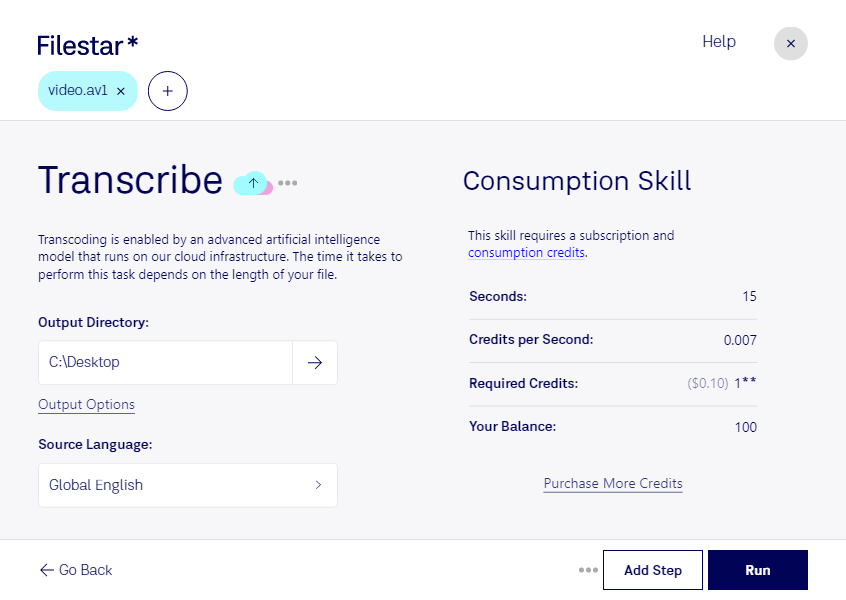
Transcribe AV1 with Filestar – the software that allows for safe and efficient conversion and processing of AV1 video files. With Filestar, you can perform bulk/batch operations on your AV1 files, saving you valuable time and effort. Our software runs on both Windows and OSX, providing you with a seamless experience regardless of your operating system.
Professionals in various industries can benefit from the ability to transcribe AV1 files. For example, content creators and video editors can use Filestar to convert their AV1 files into a more widely supported format for editing purposes. Similarly, businesses can use Filestar to transcribe their AV1 video files for internal training and communication purposes.
One of the key advantages of using Filestar to transcribe AV1 files is that all processing and conversion is done locally on your computer. This means that you don't have to worry about the safety and security of your files being compromised in the cloud. With Filestar, you have complete control over the conversion and processing of your AV1 files, ensuring that your sensitive information stays safe.
In conclusion, if you're looking for a safe and efficient way to transcribe AV1 video files, look no further than Filestar. Our software allows for bulk/batch conversion and processing of AV1 files on both Windows and OSX, making it the ideal solution for professionals in need of safe and efficient video transcription. Get in touch with us today to learn more!