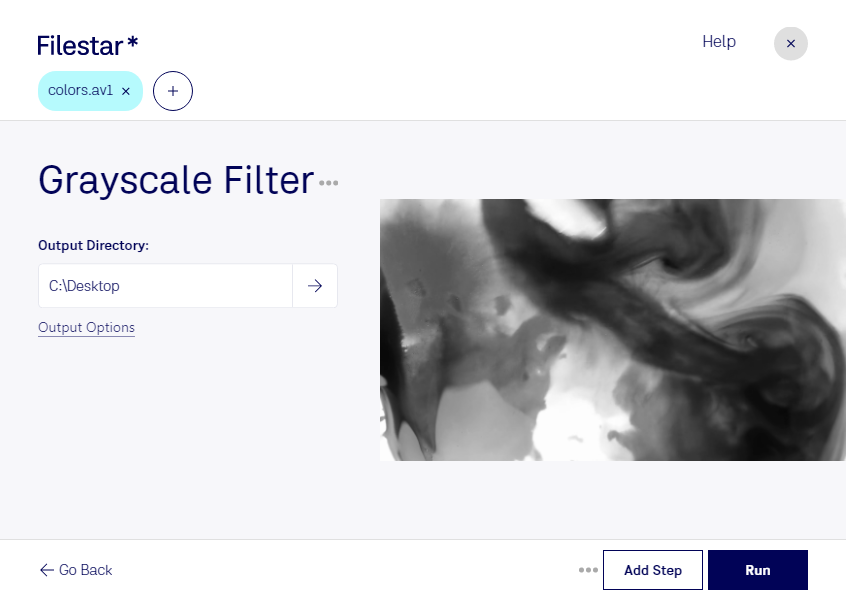
Are you looking for a reliable way to convert and process your AV1 video files to grayscale? Look no further than Filestar's Grayscale AV1 Filter. Our software allows for bulk conversion and operations, making it easy to handle large amounts of files at once.
Filestar runs on both Windows and OSX, so no matter what platform you're using, you can take advantage of the benefits of our Grayscale AV1 Filter. This tool is perfect for professionals who need to convert video files for a variety of purposes, such as creating black and white versions of films for artistic effect or converting medical imaging videos for analysis.
One of the biggest advantages of using Filestar's Grayscale AV1 Filter is that all conversions and processing happen locally on your computer. This means that you don't have to worry about the safety and security of your files being compromised in the cloud. Instead, you can rest assured that your data is safe and secure on your own machine.
In addition to our Grayscale AV1 Filter, Filestar offers a wide range of other conversion and processing tools to help you get the most out of your files. Whether you need to convert images, audio files, or documents, we have the tools you need to get the job done quickly and easily.
So why wait? Try Filestar's Grayscale AV1 Filter today and see for yourself just how easy it can be to convert and process your AV1 video files. And if you have any questions or concerns, don't hesitate to reach out to our friendly and knowledgeable support team.