Cut AV1
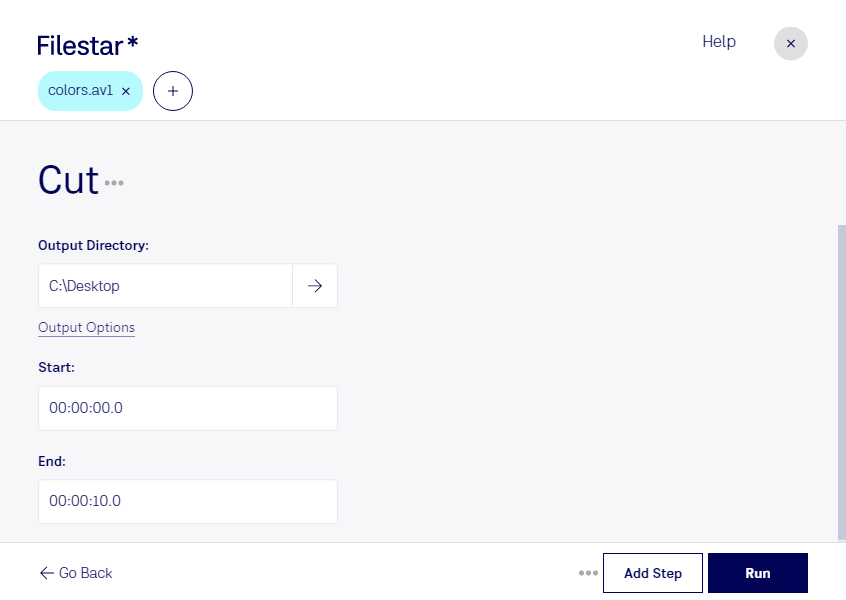
Cut AV1 with Filestar's versatile file conversion and processing software. Our software allows you to quickly and easily convert AV1 video files to a variety of other formats. With Filestar, you can also perform bulk/batch operations, saving you time and effort.
Filestar is available for both Windows and OSX, so no matter what operating system you use, you can take advantage of our powerful software. Cut AV1 is just one of the many file types that our software can handle.
Professionals in a variety of industries can benefit from using Cut AV1 with Filestar. For example, video editors can use our software to quickly convert AV1 files to a format that is more compatible with their editing software. Similarly, web developers can use our software to optimize AV1 files for web playback.
One of the key advantages of using Filestar to cut AV1 is that all processing and conversion is done locally on your computer. This means that you don't need an internet connection to use our software, and you can be confident that your files are safe and secure. Unlike cloud-based solutions, which can be vulnerable to security breaches, Filestar gives you full control over your files.
In conclusion, if you need to cut AV1 files, look no further than Filestar. Our software is fast, reliable, and easy to use, making it the perfect choice for professionals and casual users alike. Get in touch with us today to learn more about how Filestar can help you with all your file conversion and processing needs.