Convert av1 to png

  1. Download and install the latest version of Filestar.

  2. Right click on one or more Av1 file(s) on your desktop and select Convert with Filestar.

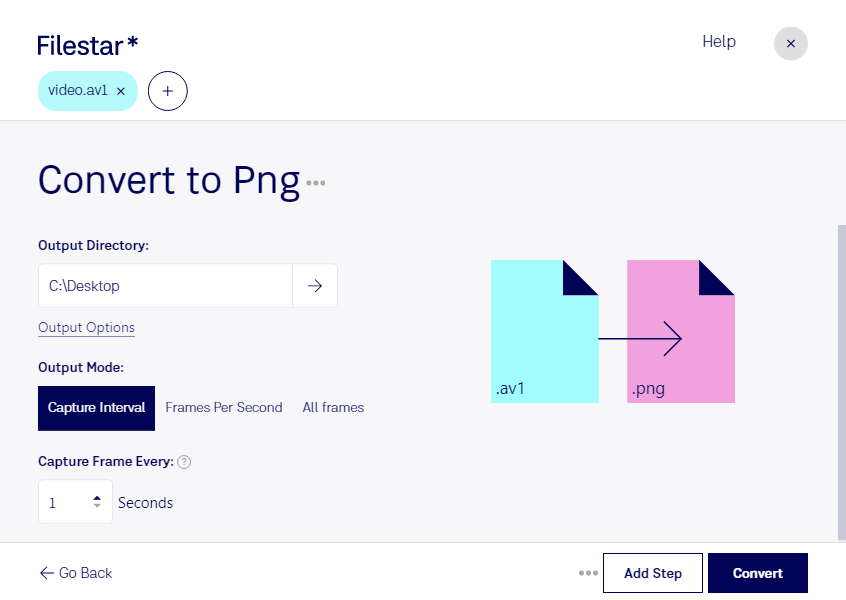
  3. Type convert to png in the search box.

  4. Press Convert.

convert av1 to png

What is the difference between .av1 and .png?

Extension
.av1
.png
Format
Binary
Binary
Category
Video
Raster Image
Developer
Alliance for Open Media
PNG Development Group
Description
An open, royalty-free video coding format designed for video transmissions over the Internet.
A PNG file is an image file stored in the Portable Network Graphic (PNG) format. It contains a bitmap of indexed colors and uses lossless compression, similar to a .GIF file but without copyright limitations. PNG files are commonly used to store graphics for web images.
MIME Type
video/av01
image/png

Convert Av1 To Png Today

Get started within minutes

Are you a professional in need of converting AV1 video files to PNG raster images? Look no further than Filestar. Our software allows for bulk/batch conversion/operations, making it easy to process large amounts of files quickly.

Whether you're a graphic designer, video editor, or any other professional that needs to work with different file types, Filestar has got you covered. And with our software running on both Windows and OSX, you can convert AV1 to PNG no matter what system you're working on.

Converting/processing files locally on your computer is also much safer than doing so in the cloud. With Filestar, you can be sure that your files are secure and that your privacy is protected. Plus, you don't need an internet connection to use our software, so you can work even when you're offline.

So why wait? Try Filestar today and experience the ease and convenience of converting AV1 to PNG.

Last updated