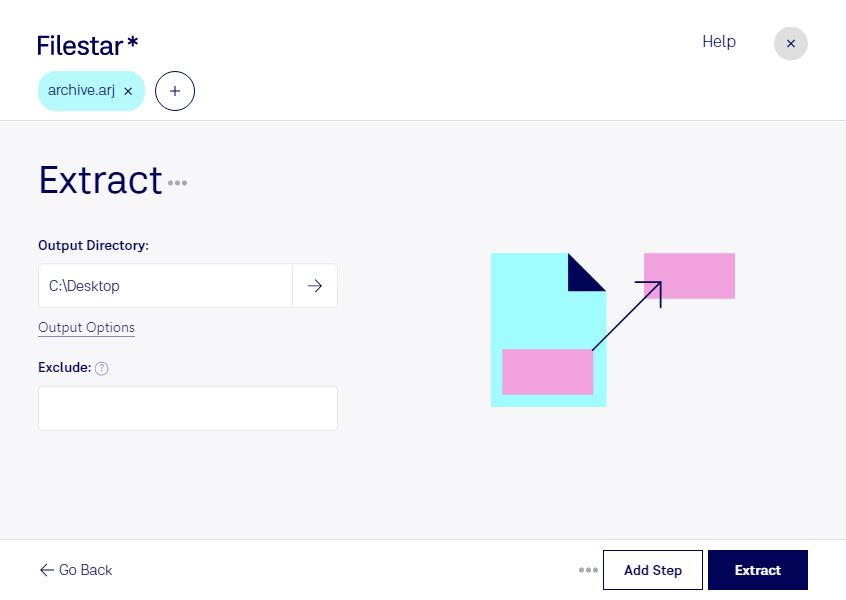
“Use Filestar to extract ARJ in my Downloads folder”
Or run it yourself:
filestarcli -i file.arj -c "extract"
Runs on your computer, so your files stay on it. Works on Windows, macOS and Linux. 50 free conversions with the npm install, no account needed.
Can my AI agent extract ARJ?
Yes. Install the Filestar CLI with npm install -g filestar and your agent can run filestarcli -i file.arj -c "extract" on your computer, so your files stay on it.
The ARJ Compressed File Archive (.arj) is a file format used for data compression and archiving. Developed in the early 1990s by Robert Jung, ARJ stands for "Archived by Robert Jung". The format allows for efficient compression of files, supporting multi-volume archives, which means a large archive can be split into several smaller files for easier management and distribution. It also supports a high level of encryption for secure data storage.