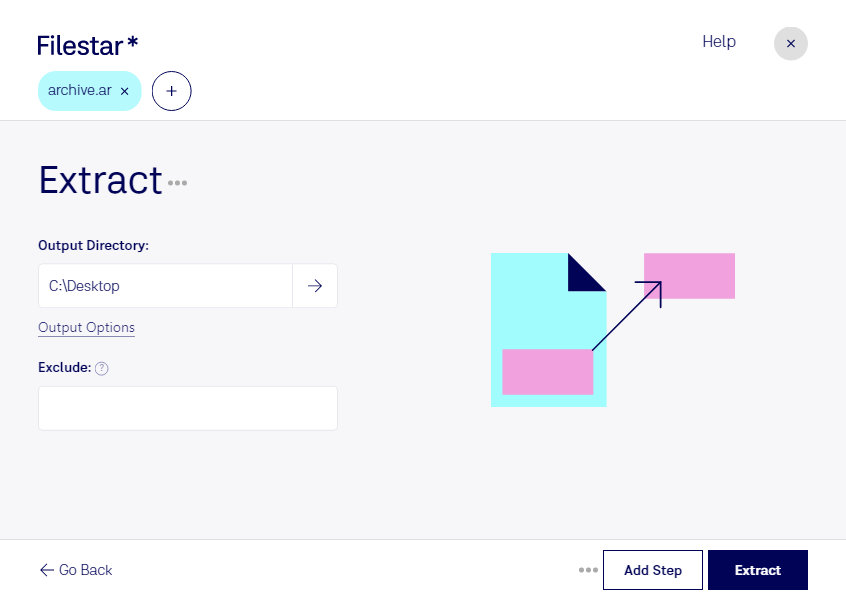
“Use Filestar to extract AR in my Downloads folder”
Or run it yourself:
filestarcli -i file.ar -c "extract"
Runs on your computer, so your files stay on it. Works on Windows, macOS and Linux. 50 free conversions with the npm install, no account needed.
Can my AI agent extract AR?
Yes. Install the Filestar CLI with npm install -g filestar and your agent can run filestarcli -i file.ar -c "extract" on your computer, so your files stay on it.
AR is a Unix archive file that is purposely used to develop and update static library files for creating .deb packages. Currently, its been replaced by .tar archive file for everything except static libraries.