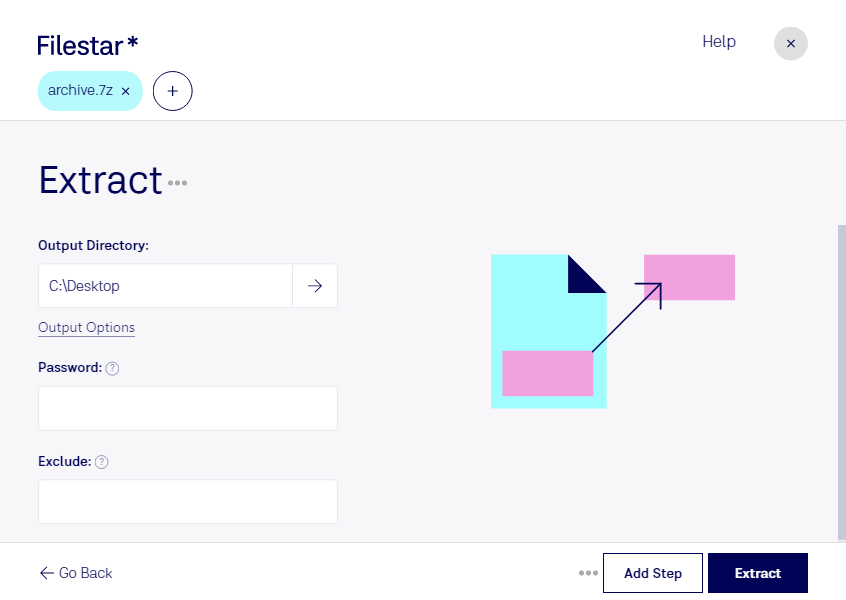
“Use Filestar to extract 7Z in my Downloads folder”
Or run it yourself:
filestarcli -i file.7z -c "extract"
Runs on your computer, so your files stay on it. Works on Windows, macOS and Linux. 50 free conversions with the npm install, no account needed.
Can my AI agent extract 7Z?
Yes. Install the Filestar CLI with npm install -g filestar and your agent can run filestarcli -i file.7z -c "extract" on your computer, so your files stay on it.
A 7Z file is a type of compressed archive that uses the open-source LZMA compression algorithm to reduce the size of the file. This type of file is often used to store multiple directories and files in a single, compressed package. 7Z files can also include strong AES-256 encryption for added security. They are commonly created using the 7-Zip utility developed by Igor Pavlov.